Enhance AI: Features, Benefits, Uses, and Complete Guide
Introduction
Artificial intelligence is changing how people create images, videos, music, and digital content. Tasks that once required several applications and professional skills can now be completed with AI-powered platforms. Enhance AI is one such platform designed to bring multiple creative tools and AI models together in one place.
Enhance AI allows users to explore image generation, video creation, image editing, music generation, voice tools, and AI chat without constantly switching between different services. This approach can be useful for content creators, designers, marketers, students, and people who want to experiment with artificial intelligence.
Whether someone wants to create an image from a written description, animate a photograph, generate background music, or get assistance with writing and coding, Enhance AI offers a collection of tools for different creative needs.
In this guide, we will explore what Enhance AI is, how it works, its main features, benefits, limitations, pricing structure, and the types of users who may find it useful.
What Is Enhance AI?
Enhance AI is an all-in-one AI creative platform that combines multiple artificial intelligence tools under a single account. Instead of relying on separate services for images, videos, audio, and text-based tasks, users can access different creative studios from the same platform.
The service brings together AI models from different developers, allowing users to choose suitable models for their projects. Its collection includes tools for generating images, creating videos, editing existing visuals, producing music, converting text into speech, and interacting with AI chat models.
One of the platform’s main goals is to simplify the creative process. Users can describe what they want, select an appropriate tool, and let the AI generate or modify the content.
Enhance AI is particularly relevant to people who regularly create digital material for websites, social media, marketing campaigns, presentations, and personal projects. However, the quality of the final result depends on the selected model, the instructions provided, and the complexity of the task.
Key Features of Enhance AI
Enhance AI includes several creative tools designed for different purposes. Understanding these features helps users decide how the platform might fit into their workflow.
1. AI Image Generator
The AI image generator transforms written descriptions into visual content. Users can describe a subject, setting, lighting style, mood, or composition and allow the selected model to generate an image.
For example, a blogger could request a futuristic technology workspace, while a marketer might create a product concept or a social media graphic.
The results can be refined by adjusting the prompt, changing the selected model, or generating alternative versions. This makes the tool useful for brainstorming and creating original visual concepts.
However, AI-generated images may contain inaccurate details, unusual objects, or poorly rendered text. Reviewing the output before publishing remains important.
2. AI Video Generation
Video creation is another important part of Enhance AI. Its video studio supports AI-powered workflows that can turn written prompts or existing images into video clips.
A user might describe a peaceful mountain landscape, a product advertisement, or a cinematic scene. The selected model then generates a video based on the provided instructions.
This feature can help social media creators, advertisers, and small businesses experiment with video production without immediately investing in complicated editing software.
Enhance AI also provides different video models and editing options. Available resolutions, clip lengths, and capabilities can vary by model, so users should check the settings before generating a video.
3. Image Upscaling
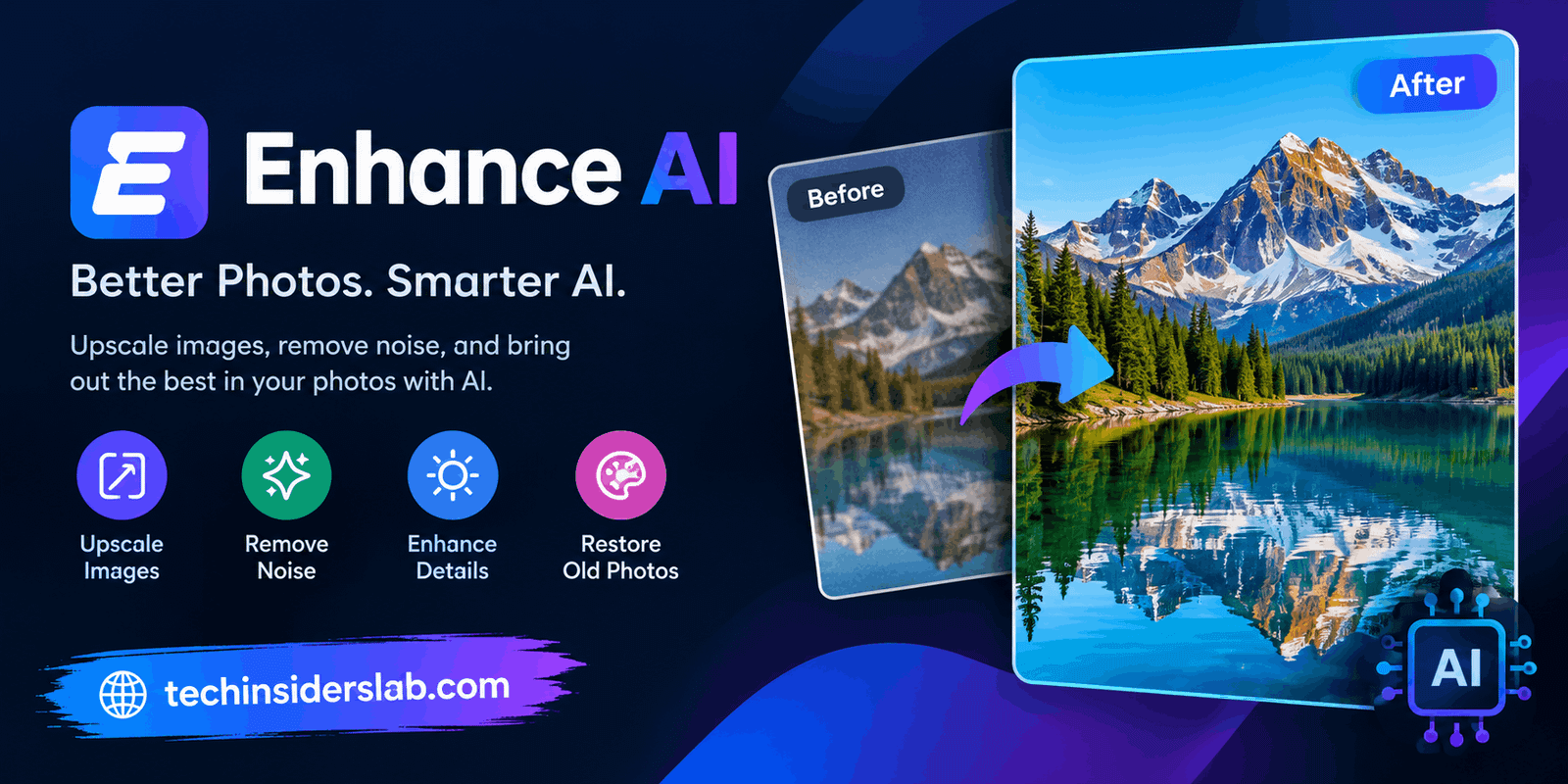
Low-resolution images can look blurry or unsuitable for larger displays. The image upscaling tool is designed to improve image resolution and make visuals more suitable for different uses.
This feature can be helpful when preparing images for websites, presentations, digital artwork, or marketing materials.
Upscaling uses AI to estimate and reconstruct visual details. It does not guarantee that every missing detail will be recovered accurately, particularly when the original image is extremely blurry or damaged.
4. Background Removal
Removing a background is a common task in graphic design and product photography. Enhance AI includes a background removal tool that can separate a subject from its surroundings.
For example, an online seller may want a clean product image, while a designer may need a transparent background for a poster or promotional graphic.
Automating this process can save time compared with manually selecting every edge in a traditional image editor. Nevertheless, complex backgrounds, fine hair, transparent objects, and similar details may require additional adjustments.
5. AI Image Editing
Enhance AI also offers AI-assisted image editing. Depending on the selected tool, users can make changes such as removing unwanted objects, modifying backgrounds, adjusting lighting, and changing the appearance of an image.
These capabilities can support creative experiments and reduce the number of manual editing steps.
For better results, users should describe the requested changes clearly. Specific instructions about what should change and what should remain unchanged can help produce more consistent outputs.
6. AI Face and Character Generation
The platform includes a face generation tool for creating realistic or stylized faces, portraits, and character concepts.
This can be useful for fictional characters, creative projects, visual storytelling, and concept development. Designers can explore different appearances without arranging a conventional photo session.
Users should avoid creating misleading representations of real people or using generated likenesses in ways that violate privacy, consent, or applicable laws.
7. AI Music Generation
Music generation enables users to experiment with AI-created audio for creative projects. Depending on the available model, users may be able to describe a desired mood, style, or musical direction.
This can be helpful for creators who need background music ideas for videos, presentations, or other digital content.
However, users should check the licensing terms of the chosen model and the platform before using generated music commercially. Copyright rules and permitted uses may differ between services.
8. Text-to-Speech Tools
Text-to-speech technology converts written text into spoken audio. This can help creators prepare narration for tutorials, presentations, explainer videos, and educational materials.
Instead of recording every line manually, users can explore AI-generated voice output for suitable projects.
The naturalness, language availability, pronunciation, and voice options depend on the selected model. Important recordings should always be reviewed before publication.
9. AI Chat for Writing, Research, and Coding
Enhance AI provides access to AI chat models that can assist with writing, brainstorming, research, and programming tasks.
Users can ask questions, organize ideas, draft content, or seek help understanding code. Some available chat capabilities also support web research and multiple programming languages.
For example, a website owner could use AI chat to develop article outlines, while a beginner programmer could ask for an explanation of a JavaScript function.
AI responses are not always accurate. Users should verify important claims, check references when necessary, and test generated code before using it in a live project.
How Does Enhance AI Work?
Enhance AI is designed to make creative work accessible through a browser-based interface. The general workflow is straightforward.
Step 1: Open the platform. Visit the official Enhance AI website and explore the available tools.
Step 2: Choose a creative studio. Select the feature that matches your task, such as image generation, video creation, editing, or AI chat.
Step 3: Describe your idea. Enter a prompt that explains what you want the AI to create. Include useful details about style, subject, format, and intended purpose.
Step 4: Select a model and settings. Where available, choose a suitable model, output format, resolution, or other generation options.
Step 5: Generate and review. Let the tool process your request, then examine the result. If the output is not suitable, refine your instructions or try another model.
Step 6: Download your work. Save the finished content and review it before sharing, publishing, or using it in a commercial project.
The exact workflow may differ between individual studios, particularly for video generation and other resource-intensive features.
Benefits of Using Enhance AI
Multiple Tools in One Place
One of the main benefits is the ability to access different AI capabilities through a single platform. Users may not need separate accounts for every creative task, depending on the tools they use.
Time-Saving Workflow
AI can automate parts of image creation, editing, audio production, and content development. This can reduce the time required for repetitive tasks and allow users to focus on creative decisions.
Useful for Beginners
Many AI tools work through natural-language instructions rather than complex technical controls. Beginners can experiment with different ideas without mastering professional editing software first.
Helpful for Content Creators
Bloggers, YouTubers, designers, and social media managers can explore different types of content from one workspace. This can simplify brainstorming and early-stage production.
Flexible Model Selection
Access to multiple models gives users the opportunity to compare different outputs. If one model does not handle a task well, another may produce a more suitable result.
Potential Cost Convenience
Combining tools can reduce the need to manage several separate services. However, actual savings depend on usage, credit limits, video costs, and the alternatives a person would otherwise purchase.
Enhance AI Pricing: Is It Free?
Enhance AI offers free access with limited usage, allowing new users to explore selected tools before purchasing a paid plan. The platform’s published pricing page lists several prepaid options.
The advertised starting price is $19 for a 30-day Basic plan, with higher-priced Growth, Pro, and Scale options offering larger token allowances. The platform states that its standard plans do not automatically renew.
Video generation may use a separate wallet-credit system, so video costs should be checked independently rather than assumed to be included without limits.
Pricing and features can change. Before paying, review the current plan details, credit allowances, payment terms, and any restrictions that apply to the specific tool you intend to use.
For beginners, starting with the available free credits is a sensible way to assess the platform before committing money.
Who Should Use Enhance AI?
Enhance AI may be useful for several types of users.
Content creators: Bloggers and social media creators can explore AI-generated images, short videos, narration, and creative concepts.
Digital marketers: Marketing teams can experiment with promotional visuals, advertising concepts, and video ideas.
Graphic designers: Designers can use image generation, background removal, upscaling, and editing features to support their workflows.
Small business owners: Businesses with limited production resources can explore ways to develop product visuals and promotional content.
Students and educators: AI chat, image creation, and text-to-speech tools may help with learning materials, explanations, and presentations.
Developers and writers: AI chat can assist with brainstorming, drafting, coding questions, and understanding technical topics.
The platform is not necessarily the best choice for every user. Someone who needs only one specialized feature may prefer a dedicated application that offers more precise controls for that particular task.
Limitations of Enhance AI
Despite its range of features, Enhance AI has limitations worth considering.
First, AI-generated content can contain errors. Images may include inconsistent details, generated videos may have unnatural motion, and written responses may include incorrect information.
Second, advanced features can consume credits quickly. Video generation, in particular, may cost more depending on the model, resolution, and clip duration.
Third, using several models within one platform does not mean they all produce identical results. Each model has its own strengths, weaknesses, and restrictions.
Fourth, users may need practice to write effective prompts. Clear descriptions and repeated testing can improve results, but perfect output is not guaranteed.
Finally, privacy and licensing deserve attention. Users should read the platform’s current privacy policy and terms before uploading confidential files, personal photographs, or commercially sensitive material. They should also verify whether their intended use is permitted.
Tips for Getting Better Results with Enhance AI
To get more value from the platform, follow a few practical guidelines.
- Write specific prompts: Describe the subject, setting, visual style, lighting, and intended result.
- Start with small tests: Generate a simple image or short video before using more credits on a larger project.
- Compare available models: Different models may perform better for portraits, landscapes, animation, or other tasks.
- Refine one detail at a time: Make focused adjustments instead of rewriting every instruction after each attempt.
- Review the final output: Check visual accuracy, spelling, audio quality, and consistency before publishing.
- Monitor credit usage: Check the cost before generating expensive or high-resolution content.
- Verify commercial rights: Confirm that the relevant tool, model, and plan allow your intended use.
These practices help users work more efficiently while reducing unnecessary spending and avoidable mistakes.
Is Enhance AI Worth Using?
Enhance AI may be worth exploring for people who regularly switch between image generation, video creation, audio tools, editing, and AI chat. Its all-in-one approach can make creative experimentation more convenient.
The platform may be especially attractive to creators who want to compare different AI models without maintaining multiple separate accounts. Its free access can also help newcomers decide whether the available tools match their needs.
However, users should evaluate the quality of individual outputs, the total cost of their intended workflow, and any usage restrictions before relying on it for professional production.
People who need highly specialized editing controls, guaranteed factual accuracy, or advanced manual workflows may still require additional software.
The best approach is to test a few representative tasks and compare the results with the tools you already use.
Conclusion
Enhance AI is an all-in-one creative platform that brings together tools for generating images, creating videos, editing visuals, producing music, converting text into speech, and interacting with AI chat models. Its main appeal is convenience: users can explore several creative workflows through a single account rather than switching constantly between separate applications.
The platform can help content creators, marketers, designers, students, and developers experiment with artificial intelligence and accelerate parts of their work. However, results vary by model, credit consumption can affect costs, and AI-generated content still requires human review.
If you are interested in exploring modern AI creative tools, Enhance AI is worth testing with a small project first. Evaluate its output quality, pricing, and terms of use to decide whether it suits your personal or professional requirements.