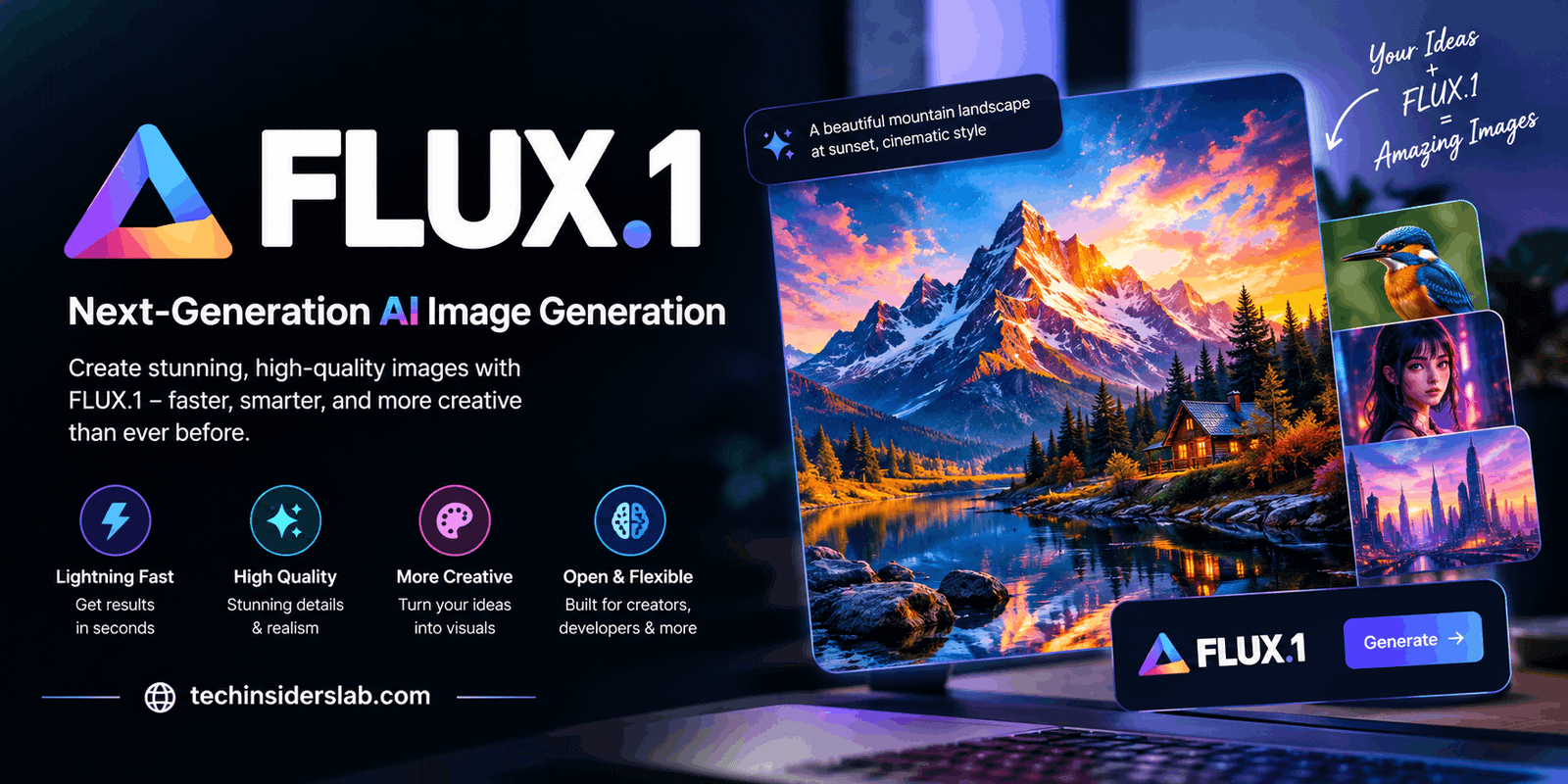
FLUX.1: A Complete Guide to the AI Image Generator
Introduction
Artificial intelligence is changing how people create digital images, illustrations, and visual content. Tasks that once required advanced graphic design skills can now be completed with simple text instructions. One technology attracting attention in this field is FLUX.1, an AI image-generation model developed by Black Forest Labs.
FLUX.1 allows users to describe an image in ordinary language and generate a visual representation of that description. Whether someone needs a realistic portrait, a product photograph, a fantasy landscape, or a creative illustration, the model can help turn ideas into digital artwork.
Unlike traditional design software, which generally requires users to arrange objects, choose colors, and adjust individual elements manually, FLUX.1 generates images through an AI-based process. It is designed to understand prompts, interpret visual relationships, and produce detailed compositions.
The FLUX.1 family includes different versions intended for different priorities, including image quality, speed, and experimentation. These models have made the technology useful for designers, developers, digital artists, marketers, and content creators. However, their licensing conditions and technical requirements can vary, so users should understand the differences before choosing a model.
What Is FLUX.1?
FLUX.1 is a family of text-to-image AI models created by Black Forest Labs. The original family was introduced in August 2024 and was designed to generate detailed images from written descriptions. Its architecture uses a large transformer-based system and flow-matching techniques to transform input prompts into visual outputs. The original public models were built with approximately 12 billion parameters.
The basic idea is straightforward: a user provides a prompt explaining what an image should contain, and the model processes that description to generate an image. For example, a prompt might describe a modern office with natural lighting, wooden furniture, large windows, and a minimalist interior. FLUX.1 attempts to combine those instructions into a coherent scene.
The technology can support several visual styles, including photorealism, digital art, concept illustrations, and stylized compositions. Its usefulness depends on the selected version, the quality of the prompt, and the platform used to access it.
FLUX.1 is not a single website or a conventional photo editor. It is an underlying AI model family that can be accessed through compatible online services, APIs, and local workflows.
Key Features of FLUX.1
1. Text-to-Image Generation
The main feature of FLUX.1 is its ability to create images from text descriptions. Users can describe subjects, environments, lighting, camera angles, colors, and artistic styles without manually drawing every element.
For instance, a content creator could request a cinematic mountain landscape at sunrise, with mist covering the valley and warm light illuminating the peaks. The model interprets these details and attempts to produce a matching image.
This capability is useful for people who want to explore creative ideas without having extensive illustration experience.
2. Detailed Image Quality
FLUX.1 was developed with an emphasis on visual detail, prompt adherence, and scene complexity. Depending on the model and generation settings, it can produce realistic textures, carefully composed scenes, and convincing lighting.
These qualities are valuable when creating product concepts, environmental illustrations, character designs, and promotional visuals.
However, image quality is not guaranteed to be perfect. Results may contain unusual details, distorted objects, or inconsistencies, especially when prompts describe complicated scenes.
3. Better Prompt Interpretation
A useful image generator must understand more than the main subject. It should also interpret relationships between objects and the surrounding environment.
FLUX.1 is designed to follow detailed prompts, helping users specify how subjects should appear and interact. A prompt describing a red bicycle beside a brick wall under soft afternoon sunlight provides more visual direction than simply requesting a bicycle.
Clear descriptions can improve results, although the model may not follow every instruction exactly.
4. Different Generation Speeds
The original FLUX.1 family includes versions with different performance priorities. Some focus on high-quality outputs, while others are optimized for faster generation.
This gives users flexibility when choosing between detailed image creation and rapid experimentation. A designer testing several concepts may prefer speed, while someone preparing a final visual may prioritize image quality.
5. Flexible Access Options
FLUX.1 can be accessed through supported hosted platforms and developer integrations. Some versions also offer downloadable model weights for compatible local environments.
These options allow people to choose a workflow based on their technical skills, computing resources, privacy requirements, and budget.
Understanding the Different FLUX.1 Models
Black Forest Labs introduced three principal versions in the original FLUX.1 family: Pro, Dev, and Schnell. Each serves a different purpose.
FLUX.1 Pro
FLUX.1 Pro is the premium version designed to emphasize image quality, prompt following, detail, and output diversity. It is primarily intended for access through supported APIs and partner platforms.
This version may be appropriate for professional creative workflows in which consistent, high-quality image generation is important. Availability, pricing, and commercial terms depend on the provider and applicable agreement.
FLUX.1 Dev
FLUX.1 Dev is an open-weight version intended primarily for experimentation and development under its applicable license. It aims to provide image quality and prompt-following capabilities similar to the Pro model while supporting more flexible technical workflows.
Developers can explore its capabilities, integrate it into compatible applications, and experiment with customized workflows. However, open weights do not automatically mean unrestricted commercial use. The applicable license must be reviewed before deploying the model in a revenue-generating product.
FLUX.1 Schnell
FLUX.1 Schnell is the speed-focused version of the original family. Its name comes from the German word for fast. It was designed to generate images in a small number of inference steps, making it useful for quick experiments and rapid creative iteration.
The official model documentation describes Schnell as capable of generating images in one to four steps and identifies its license as Apache 2.0. This makes it an attractive option for many personal, research, and commercial development scenarios, subject to the license terms and other applicable obligations.
Which version should you choose?
Choose Pro when you prioritize hosted professional image generation, consider Dev when you need experimentation and technical control, and consider Schnell when generation speed and a permissive model license are important.
How to Use FLUX.1
The exact process depends on the platform through which you access the model. A typical workflow involves the following steps.
Step 1: Choose an Access Platform
Find a compatible service that provides access to the FLUX.1 version you want to use. Some platforms provide a browser-based interface, while others offer APIs or tools for running models locally.
Check whether the service requires an account, subscription, API key, or additional software.
Step 2: Write a Clear Prompt
Describe the image you want to generate. Include the main subject, setting, visual style, lighting, composition, and important details.
For example:
A realistic photograph of a modern white electric car parked beside a glass building, soft morning sunlight, clean architectural lines, natural reflections, professional automotive photography.
This prompt provides more direction than a short phrase such as “white electric car.”
Step 3: Select the Appropriate Model
If the platform offers multiple FLUX.1 variants, choose one based on your priorities. Consider speed, image quality, access cost, available controls, and licensing.
Step 4: Generate the Image
Submit your prompt and allow the model to process it. Depending on the platform, you may be able to adjust dimensions, generation settings, or other options.
Step 5: Review and Refine
Examine the result carefully. If something is incorrect, revise the prompt with more precise instructions and generate another version.
For example, if the background is too busy, request a simple background. If the lighting is too dark, specify bright natural lighting.
Step 6: Save and Check the Output
Download or export the finished image if the platform allows it. Before publishing, check the image for visual errors, unwanted elements, intellectual property concerns, and any applicable disclosure requirements.
Best Uses of FLUX.1
FLUX.1 can support many creative and professional activities.
Digital Marketing
Marketing teams can use AI-generated images to explore advertising concepts, social media graphics, campaign themes, and promotional backgrounds. It can help produce several creative directions before a final design is selected.
Website and Blog Images
Bloggers and website owners can create illustrations related to their articles. Technology websites, for example, may use generated visuals to explain AI tools, software concepts, and emerging digital trends.
Generated images should still be reviewed for accuracy and relevance before publication.
Product Visualization
Businesses can experiment with product concepts, packaging ideas, and advertising scenes. A designer might visualize a smartwatch on a minimalist desk or a cosmetic bottle surrounded by natural ingredients.
These images are useful for concept development, but they should not be presented as photographs of an actual product if they contain invented details.
Game Design and Concept Art
Artists can explore character appearances, fictional environments, props, and mood boards. FLUX.1 can help generate visual references during the early stages of a project.
The results may require additional editing to achieve consistent characters, precise proportions, or production-ready assets.
Creative Photography
Users can experiment with photographic styles, including portraiture, landscapes, architecture, and cinematic scenes. By specifying lighting, camera perspective, atmosphere, and composition, they can explore different visual approaches.
Educational Content
Teachers, students, and content creators can develop illustrative visuals for presentations, learning materials, and creative projects. Generated images can make abstract topics easier to communicate, although factual or scientific diagrams should be checked carefully.
Advantages of FLUX.1
One major advantage of FLUX.1 is its ability to convert written descriptions into detailed visual concepts. This reduces the amount of manual drawing required during early creative work.
Another benefit is the choice of model variants. Users can select between different approaches to image quality, speed, and technical flexibility instead of relying on one fixed workflow.
Its prompt-following capabilities also make it useful for users who want to control specific visual elements. Detailed prompts can help communicate the intended atmosphere, subject placement, and overall composition.
Developers may appreciate the availability of model weights and integration options for supported versions. These features can enable experimentation beyond a basic image-generation website.
Finally, FLUX.1 can help reduce the time needed to create initial concepts. Instead of starting every project with a blank canvas, creators can generate ideas and refine them through repeated iterations.
Limitations of FLUX.1
Despite its capabilities, FLUX.1 has limitations.
First, outputs can contain mistakes. Hands, small objects, complex scenes, and fine details may not always appear correctly. Generated images should be inspected before professional use.
Second, prompts require experimentation. A vague or contradictory description may produce an image that does not match the user’s expectations. Clear instructions often improve results, but they cannot guarantee perfection.
Third, local setup may be demanding. Running larger models on a personal computer can require substantial memory, compatible hardware, and technical knowledge. Hosted services may be easier for beginners but can introduce usage limits or fees.
Fourth, licensing differs between variants. FLUX.1 Schnell uses Apache 2.0, while FLUX.1 Dev is subject to its specific license. Pro access is governed by the applicable provider’s terms. Users should never assume every version has identical commercial permissions.
Finally, AI-generated content requires responsible use. Copyright, privacy, misleading imagery, and the unauthorized depiction of real people can raise legal or ethical concerns. Users should follow relevant laws, platform rules, and applicable license conditions.
Is FLUX.1 Free to Use?
FLUX.1 does not have one universal pricing arrangement because access depends on the model and platform.
FLUX.1 Schnell’s Apache 2.0 license permits broad use, including commercial use, subject to its terms. Nevertheless, running the model may involve hardware, hosting, or infrastructure costs.
FLUX.1 Dev has a different licensing arrangement, which generally restricts use of the model to non-commercial purposes unless additional permission is obtained. FLUX.1 Pro is available through supported services that may charge based on usage or their own pricing plans.
Therefore, users should distinguish between a model’s license, the price charged by an online platform, and the cost of operating the necessary hardware. Always verify the current terms before using generated images in a commercial project.
FLUX.1 vs. Traditional Image Editing
Traditional image editors provide precise manual control over layers, masks, colors, typography, and individual objects. However, creating a complex image from scratch can require considerable time and design experience.
FLUX.1 takes a different approach by generating an initial image from text. This can make concept development faster, especially when users want to explore several possible designs.
The two approaches can also work together. A creator might generate a background with FLUX.1 and then use an image editor to add accurate text, correct small details, or prepare the final layout.
For professional results, AI generation and traditional editing are often complementary rather than competing methods.
Conclusion
FLUX.1 is a powerful AI image-generation model family developed by Black Forest Labs. It enables users to turn written descriptions into detailed visuals and supports a range of creative applications, from digital marketing and blog graphics to product concepts and game design.
Its different versions make it possible to balance image quality, speed, and technical flexibility. However, users should understand its limitations, check generated images carefully, and review licensing terms before using a model commercially.
For beginners, a compatible online platform can provide a straightforward way to experiment with AI image generation. Developers and experienced creators may prefer workflows that offer greater control over model access and integration.
Overall, FLUX.1 is worth exploring for anyone interested in AI-powered visual creation. With clear prompts, careful review, and responsible use, it can become a valuable addition to a modern creative toolkit.