Introduction
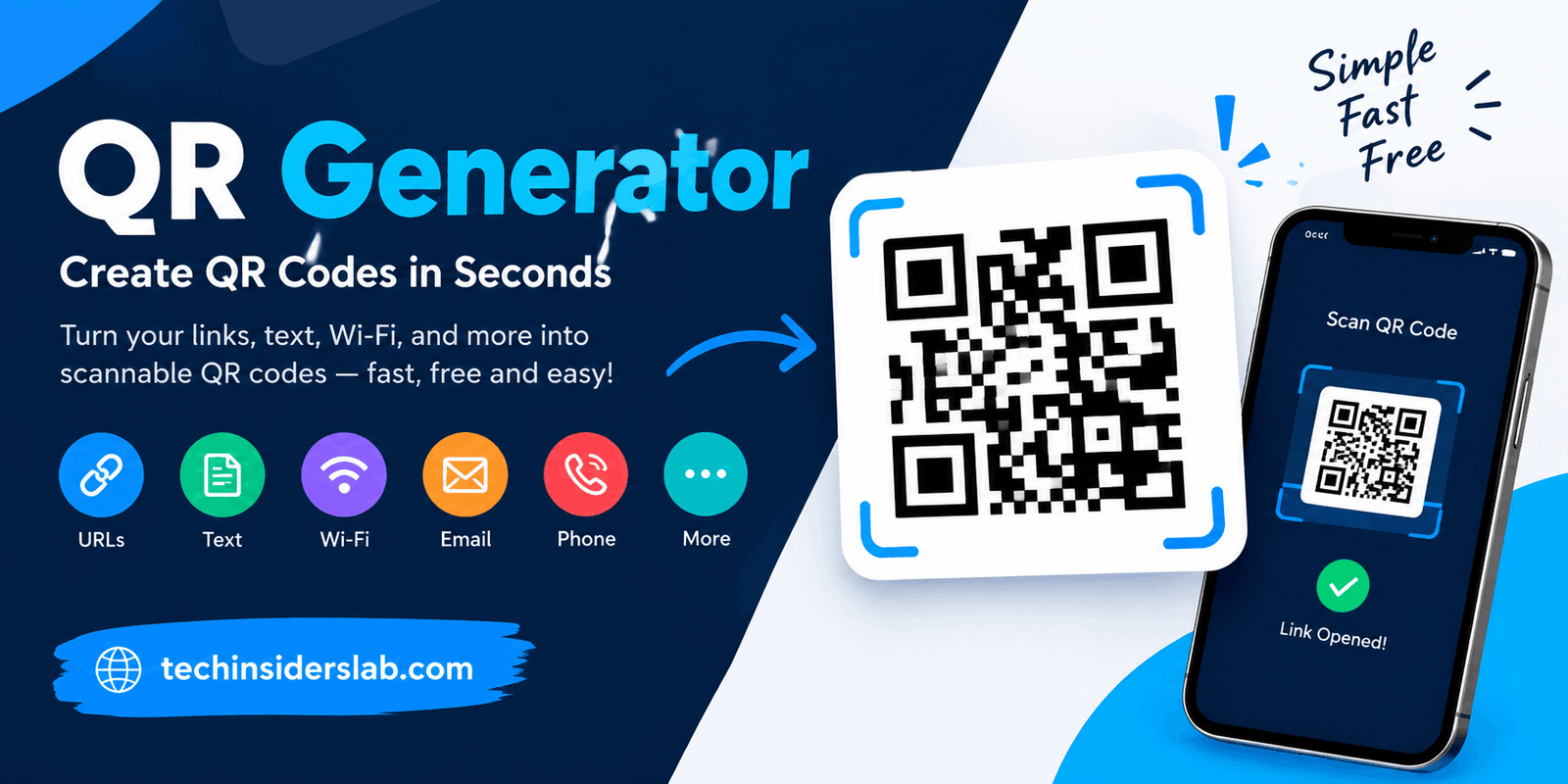
A QR Generator is a useful online tool that allows users to create QR codes for websites, text, contact information, Wi-Fi networks, and other digital content. Instead of typing a long web address or manually entering information, users can scan a QR code with their smartphone camera to access the relevant details quickly.
QR codes have become an important part of modern digital communication. Businesses use them on product packaging, restaurants display them on tables, and professionals include them on business cards. Individuals can also create QR codes to share personal information, connect devices, or direct others to online resources.
A QR generator makes this process simple by converting ordinary information into a scannable square pattern. Many tools also provide customization options, allowing users to change colors, add logos, and download QR codes in different image formats.
In this guide, you will learn what a QR generator is, how it works, which types of QR codes are available, and how to create codes for personal or business use.
What Is a QR Generator?
A QR generator is an online tool or software application that converts information into a Quick Response (QR) code. A QR code is a two-dimensional barcode made up of small black-and-white squares or other contrasting patterns. Smartphones and compatible scanning devices can read these patterns and interpret the information they contain.
Depending on the generator, users can create QR codes for website URLs, plain text, email addresses, telephone numbers, Wi-Fi credentials, contact cards, and other supported information.
For example, a small business owner can generate a QR code that opens an online store. Customers scan the code and visit the store without manually entering its web address.
QR generators are available in different forms. Some are completely free and create basic static codes, while others provide advanced features such as editable destinations, scan analytics, branded designs, and campaign management.
The best option depends on what you want to share and whether you need to update or track the QR code after creating it.
How Does a QR Generator Work?
A QR generator uses an encoding process to transform information into a pattern that a compatible scanner can recognize. Although the final code may look complicated, creating one generally requires only a few steps.
1. Enter Your Information
First, select the type of QR code you want to create. Depending on the tool, you may choose a website link, text, contact details, or Wi-Fi information.
2. Convert the Information
The generator encodes your information into a QR code pattern. Different arrangements of small squares represent the encoded data, while special patterns help scanners identify and read the code.
3. Customize the Design
Many generators let you customize the appearance of your code. You may be able to change its colors, adjust the background, add a logo, or select a different frame.
However, the design should always remain easy to scan. Strong contrast between the code and its background is especially important.
4. Download the QR Code
After generating the code, download it in a supported format, such as PNG, JPG, or SVG. PNG is convenient for everyday digital use, while SVG is often suitable for printing because it can scale without becoming pixelated.
5. Scan and Test It
Before sharing or printing the QR code, scan it using a smartphone. Confirm that it opens the correct destination or displays the intended information.
Testing is important because a QR code that looks attractive may still fail to scan if it is too small, distorted, or poorly designed.
Types of QR Codes
Understanding the available QR code types helps you choose the right option for your needs.
Static QR Codes
A static QR code stores the actual information directly in its pattern. Once generated, its encoded content cannot be changed.
Static codes are useful for information that is expected to remain the same. Examples include permanent website addresses, Wi-Fi details, contact information, and basic text.
One advantage is that a static code does not require a QR management service to keep the encoded information readable. However, if the destination website changes or the information becomes outdated, you may need to generate and distribute a new code.
Static QR codes are often suitable for individuals, small businesses, and users who need a straightforward solution without ongoing service costs.
Dynamic QR Codes
A dynamic QR code typically contains a short web address that redirects users to a destination. The destination can be changed through a management platform without changing the printed QR code itself.
For example, a restaurant can print a dynamic QR code on its tables and update the linked menu whenever dishes or prices change.
Dynamic codes may also provide scan analytics, such as scan counts and other campaign-related statistics. The exact information available depends on the provider.
The main disadvantage is that these codes depend on the redirect service. If the service becomes unavailable or the account is discontinued, the code may stop directing users to the intended destination.
For businesses that need flexibility and campaign measurement, dynamic QR codes can be a useful option.
Common Uses of a QR Generator
QR generators support a wide range of personal, educational, and professional activities.
Website and Landing Page Sharing
Website owners can create QR codes that direct people to homepages, product pages, blog posts, registration forms, or promotional landing pages.
This is particularly useful when the audience encounters a printed advertisement, brochure, poster, or product package.
Business Cards and Contact Information
Professionals can use QR codes to make sharing contact information easier. Depending on the generator, a code may contain a digital contact card or direct users to an online professional profile.
This approach can reduce the need to type names, telephone numbers, and email addresses manually.
Wi-Fi Network Access
A Wi-Fi QR code can contain the network name, password, and security information in a supported format. Guests can scan the code with a compatible device to connect more conveniently.
This feature is useful in homes, offices, hotels, cafes, and other places where visitors regularly need network access.
Because the code may expose network credentials to anyone who can scan it, it should only be displayed where sharing access is appropriate.
Marketing and Advertising
Businesses can place QR codes on flyers, posters, packaging, menus, and printed advertisements. A scan can take potential customers to a product page, special offer, signup form, or company website.
Dynamic QR codes can be especially useful for campaigns that require destination changes or performance tracking.
Education and Learning
Teachers can use QR codes to share assignments, digital worksheets, educational videos, and additional learning materials.
Students can scan a code rather than manually typing a long address, making classroom resources easier to access.
Events and Invitations
Event organizers can use QR codes to share schedules, venue information, registration pages, or digital invitations. Some event systems also use QR codes for ticket verification and check-in.
These features depend on the event platform or service being used.
Benefits of Using a QR Generator
Saves Time
QR codes provide a quick way to share information. Users can scan a code instead of typing long URLs, searching for a webpage, or manually entering contact details.
Easy to Use
Most QR generators have simple interfaces. Users generally select a content type, enter information, generate the code, and download the result.
Advanced technical knowledge is usually unnecessary.
Supports Digital and Printed Content
QR codes can be used on websites, social media graphics, business cards, packaging, posters, and many other materials.
This flexibility makes them useful for both online and offline communication.
Improves Customer Convenience
A well-placed QR code gives customers a direct route to useful information. For example, a product package can include a code that opens setup instructions or a digital user guide.
Offers Customization
Many tools support custom colors, logos, frames, and other design options. Businesses can use these features to create codes that match their visual identity.
Customization should never compromise readability.
Can Reduce Printing Updates
Dynamic QR codes allow users to change a destination without replacing the printed code. This can reduce reprinting costs when links or promotional content change.
However, the feature depends on the provider and may require a paid plan.
How to Choose the Best QR Generator
Not every QR generator offers the same features. Before selecting one, consider the following factors.
Ease of use: Choose a tool with a clear interface and a straightforward generation process.
Supported content: Check whether it supports the type of information you want to encode, such as URLs, contact cards, or Wi-Fi details.
Static and dynamic options: Decide whether you need a permanent code or the ability to update its destination later.
Download formats: Look for suitable export formats. PNG is convenient for many digital applications, while SVG is often preferable for scalable printing.
Customization: If appearance matters, look for color options, logo support, and design controls that preserve scan reliability.
Pricing and limitations: Read the terms carefully. Some services advertise free QR generation but charge for dynamic features, analytics, or continued access.
Privacy and security: Avoid tools that request unnecessary personal information. Understand how submitted data is processed and whether an account is required.
Reliability: A good generator should create a readable code and clearly explain any limitations that could affect its future use.
Tips for Creating a QR Code That Works
Creating a QR code is simple, but a few practical steps can improve its reliability.
First, check the information before generating the code. A small mistake in a URL or contact detail can send users to the wrong destination.
Second, maintain sufficient contrast. A dark code on a light background is generally easier to scan than a low-contrast design.
Third, avoid making the code unnecessarily small. Its appropriate size depends on the scanning distance, printing quality, and amount of encoded information.
Fourth, preserve a clear margin around the code. This empty area, called the quiet zone, helps scanning devices distinguish the QR code from surrounding elements.
Fifth, test the final version on multiple smartphones when possible. Test the actual printed size and placement rather than relying only on a preview on your computer.
Finally, provide a readable web address or short instruction near the code when practical. This gives users another way to access the information if scanning is inconvenient.
QR Generator Security and Privacy Considerations
QR codes are convenient, but users should not automatically trust every code they encounter. A QR code can direct someone to a fraudulent website, a misleading payment page, or a page designed to collect sensitive information.
Before opening a destination, check the URL displayed by your phone’s camera or scanning application. Be especially careful if the link contains an unfamiliar domain, unexpected spelling, or suspicious wording.
Avoid entering passwords, payment details, or other sensitive information on a page simply because it was opened through a QR code.
For businesses, it is important to use destinations that are trustworthy and maintained. If you use a dynamic QR code, choose a reliable provider and understand how its redirect service and analytics work.
You should also consider the information encoded in the QR code itself. Anyone who can scan a static code may be able to read its contents, so avoid placing confidential information in publicly accessible codes.
The Future of QR Generators
QR generators continue to be useful as businesses and individuals look for simple ways to connect physical materials with digital experiences.
Potential applications include product information, interactive advertisements, digital business cards, event services, customer support, and connected product experiences.
Improved design options and better campaign analytics may also help organizations use QR codes more effectively. At the same time, privacy, security, accessibility, and long-term reliability will remain important considerations.
The most useful QR code is not necessarily the most visually complex one. It is the code that gives users a clear, safe, and convenient way to reach the information they need.
Conclusion
A QR generator is a practical tool for turning digital information into a convenient, scannable format. It can simplify website sharing, business communication, marketing, Wi-Fi access, and many everyday tasks.
Choosing the right generator involves understanding the difference between static and dynamic codes, checking available features, and considering privacy and reliability. By using a clear design, testing the finished code, and selecting a trustworthy destination, you can create QR codes that are useful for both personal and professional purposes.