Introduction
Online meetings have become an essential part of modern work. Students attend virtual classes, professionals collaborate with remote teams, and content creators record podcasts and online interviews. However, background noise, unclear speech, and lengthy meetings can make communication difficult.
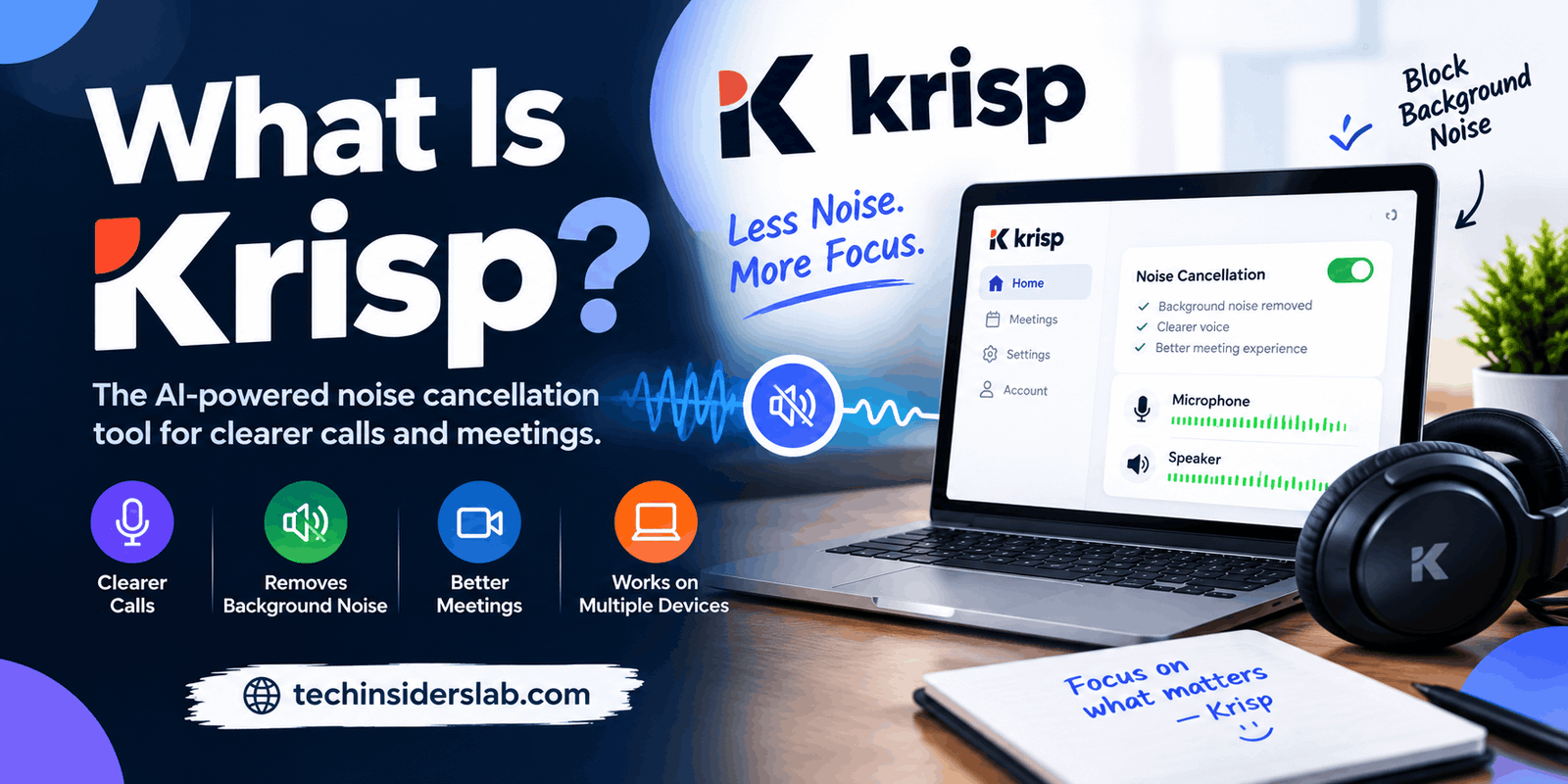
Krisp is an AI-powered audio and meeting productivity application designed to make conversations clearer and more productive. Its technology helps reduce unwanted background sounds, while its meeting assistant can transcribe conversations, generate summaries, and identify important action items.
Krisp is especially useful for people who work from home, participate in frequent video calls, or communicate with customers over the phone. Instead of relying entirely on expensive microphones or soundproof rooms, users can use AI-powered features to improve their audio experience.
In this guide, we will explore what Krisp is, how it works, its main features, benefits, limitations, pricing considerations, and the types of users who may find it helpful.
What Is Krisp?
Krisp is an AI voice technology platform developed to improve communication quality and meeting productivity. Its products include AI Meeting Assistant, Call Center AI, and voice AI tools for developers. Its capabilities vary depending on the product and subscription plan.
The application is particularly known for its AI noise cancellation technology, which filters unwanted sounds during voice and video calls.
For example, imagine attending an important business meeting from a busy home environment. A fan is running nearby, a keyboard is making noise, and people are talking in another room. These distractions can make it harder for other participants to understand you.
Krisp can reduce many of these unwanted sounds in real time, helping your voice remain clearer during supported calls.
Beyond audio enhancement, its AI Meeting Assistant offers features such as meeting transcription, recording, automated notes, summaries, and action items. This combination makes Krisp useful for people who want to improve both communication quality and meeting organization.
How Does Krisp Work?
Krisp uses artificial intelligence to distinguish speech from unwanted sounds in an audio signal. Its noise cancellation technology processes audio in real time, filtering background distractions while attempting to preserve the speaker’s voice.
The application can work alongside supported communication tools, including Zoom, Microsoft Teams, Google Meet, and other calling applications.
A typical setup involves installing Krisp, opening the application, enabling the desired audio features, and selecting the Krisp microphone or speaker as the relevant input or output device in your calling software.
Once configured, the software processes audio during supported calls without requiring users to replace their existing communication platform.
For its standard noise cancellation functionality, Krisp states that audio processing occurs locally on the device. Meeting assistant features have separate data-processing arrangements, so users should review the privacy policy and settings for the features they enable.
Key Features of Krisp
Krisp offers several features designed to improve audio quality and make meetings easier to manage.
1. AI Noise Cancellation
Noise cancellation is one of Krisp’s best-known capabilities. It reduces distracting sounds such as keyboard clicks, traffic, fans, household appliances, and construction noise.
This feature can be valuable for remote workers, online teachers, students, and professionals who frequently join calls from different environments.
Clearer audio can help participants concentrate on the discussion rather than the sounds surrounding the speaker. However, results depend on the quality of the microphone, the strength of the background noise, and the device’s processing capabilities.
2. Background Voice Isolation
Ordinary noise cancellation focuses on unwanted environmental sounds, but nearby conversations can also interrupt a meeting.
Krisp offers voice isolation capabilities designed to filter surrounding human voices while preserving the primary speaker’s voice. This can be particularly helpful in shared offices, coworking spaces, and busy homes.
The technology is not a substitute for a private room when discussing highly confidential information. Users should still consider their surroundings before participating in sensitive conversations.
3. AI Meeting Notes
Taking notes during a meeting can be challenging, especially when participants share information quickly or discuss several topics at once.
Krisp’s AI Meeting Assistant can create meeting notes and summaries based on supported meeting workflows. Instead of manually writing every detail, users can review the generated notes after a conversation.
These notes can help teams remember important decisions, understand key discussion points, and prepare for follow-up work.
AI-generated notes may occasionally misunderstand a statement or omit context, so important information should be checked against the original conversation.
4. Meeting Transcription
Transcription converts spoken conversations into written text. Krisp can transcribe supported meetings, allowing users to search through discussions and revisit information later.
This feature can be useful for interviews, team meetings, online lessons, research discussions, and business calls.
Transcripts may help users locate particular statements without listening to an entire recording again. Accuracy can vary with accents, technical terminology, overlapping speakers, and audio quality.
Users should also obtain any consent required before recording or transcribing conversations.
5. Meeting Recording
Krisp’s meeting assistant supports audio and video recording options, depending on the selected mode and plan.
Recordings can be useful when a participant needs to revisit a demonstration, review a presentation, or confirm what was discussed.
Recording features introduce additional privacy considerations because audio, video, and meeting notes may be stored in the cloud. Organizations should establish appropriate access permissions and retention policies before using these capabilities.
6. Automated Action Items
Meetings often produce tasks that need to be completed afterward. However, people can forget responsibilities or miss deadlines when action items are not documented clearly.
Krisp can identify action items from supported meeting workflows and include them in its generated notes.
For example, a project meeting might establish that one employee will prepare a report while another will contact a customer. Having these responsibilities documented can make follow-up work easier to organize.
Users should review the generated action items to ensure that responsibilities and deadlines have been interpreted correctly.
7. Accent Conversion
Krisp offers AI accent conversion features in supported products and plans. These features are designed to modify certain accent characteristics in real time to make speech easier for listeners to understand.
This capability may help customer support teams and international businesses communicate across language and accent differences.
Accent conversion is not the same as translating one language into another. Its availability and supported accents depend on the product, configuration, and subscription plan.
8. Support for Different Communication Platforms
Krisp is designed to work with communication applications rather than replace them entirely. Users can configure it with supported meeting platforms and use its audio-processing capabilities during calls.
Its meeting assistant also provides additional functionality for people who want transcripts, notes, and recordings.
Compatibility and available features can differ by operating system, application version, and subscription, so checking the current system requirements before installation is recommended.
Benefits of Using Krisp
Krisp offers several potential advantages for people who communicate online regularly.
Improved communication: Reducing background noise can make conversations easier to follow, particularly when participants work in noisy environments.
Better productivity: Automated meeting notes and summaries can reduce the time spent organizing information after discussions.
Less manual note-taking: Transcription allows participants to focus more closely on a conversation rather than trying to write down every statement.
Flexible working environments: Users may be able to improve call quality without investing immediately in professional acoustic equipment.
Support for remote teams: Clearer audio and organized meeting records can help distributed teams collaborate more effectively.
Useful for customer service: Businesses can use suitable Krisp voice AI products to improve call clarity and support their communication workflows.
These benefits depend on how the application is configured and which features are available to the user.
Krisp Pricing: Is It Free?
Krisp offers a free trial and paid subscription options for its AI Meeting Assistant. The exact price depends on the plan, billing frequency, and features required.
At the time of writing, Krisp’s official pricing page lists the following options for its meeting assistant:
| Plan | Listed price | General purpose |
| Free trial | $0 for 7 days | Testing premium features |
| Core | $8 per user/month when billed annually, or $16 monthly | Individuals and small teams |
| Advanced | $15 per user/month when billed annually, or $30 monthly | Users needing additional controls and features |
| Enterprise | Custom pricing | Larger organizations |
Prices and included features can change, so check the official Krisp pricing page before subscribing.
The free trial provides an opportunity to evaluate the software before paying. Paid plans offer varying combinations of AI notes, transcription, noise cancellation, integrations, storage, and other features.
The right plan depends on your requirements. Someone who only needs basic audio enhancement may have different needs from a team that records meetings and manages large volumes of transcripts.
Is Krisp Safe to Use?
Krisp’s standard noise cancellation feature processes audio locally on the user’s device, according to its official documentation. The company also explains that its meeting assistant features can involve cloud processing and storage.
This distinction is important. Local noise cancellation and cloud-based meeting transcription do not necessarily handle audio data in the same way.
Before using Krisp for business or personal conversations, consider these precautions:
- Review the privacy policy and data-handling information.
- Check whether recording and transcription features are enabled.
- Understand where meeting recordings and notes are stored.
- Use appropriate access controls for sensitive information.
- Obtain consent when required by applicable recording laws or workplace policies.
- Keep the application updated to receive relevant fixes and improvements.
Krisp may be suitable for many professional workflows, but organizations handling confidential or regulated information should assess the relevant security and compliance requirements before deployment.
Limitations of Krisp
Although Krisp offers useful AI features, it has some limitations.
Audio Quality Is Not Perfect
Noise cancellation can reduce distractions, but it cannot guarantee studio-quality audio in every environment. Extremely loud sounds, poor microphones, or unstable hardware can affect results.
AI Transcripts Can Contain Errors
Automatic transcription may misinterpret names, accents, specialized vocabulary, or overlapping conversations. Users should verify important details before relying on transcripts for official records.
Some Features Require Paid Plans
Advanced meeting productivity tools, accent conversion, and business features may require a subscription or a specific plan. Availability should be confirmed before choosing Krisp for a particular workflow.
Device Resources Matter
Real-time audio processing uses system resources. Performance may vary depending on the computer’s processor, memory, operating system, and other applications running simultaneously.
Privacy Requires Attention
Although standard noise cancellation can operate locally, recording and meeting assistant features may involve cloud services. Users should understand these differences before enabling additional capabilities.
Who Should Use Krisp?
Krisp can be useful for several types of users.
Remote workers: People attending frequent video conferences can use noise cancellation to improve call clarity.
Students and teachers: Online classes and discussions may benefit from clearer audio and, where appropriate, automated notes.
Content creators: Podcasters, interviewers, and online presenters can use noise cancellation to reduce unwanted sounds during supported recording or communication workflows.
Customer support teams: Businesses can explore Krisp’s dedicated call center products for noise cancellation and other voice AI capabilities.
Business professionals: Managers, consultants, and project teams may find transcription and automated meeting notes useful for organizing discussions.
Developers: Developers can explore Krisp’s voice AI models and APIs when building applications that need speech enhancement or other supported voice capabilities.
Krisp is most valuable for people who regularly encounter audio distractions or need help documenting meetings. Occasional users may not need its full range of paid features.
Krisp vs. Traditional Noise Cancellation
Traditional noise cancellation tools can use different methods, including microphone hardware, signal processing, and software filters. Krisp differentiates itself through AI-powered audio processing and its broader meeting productivity features.
A conventional noise cancellation application may focus mainly on reducing background sounds. Krisp combines this capability with options such as transcription, meeting summaries, and action items in its meeting assistant.
However, the best choice depends on the user’s requirements. Someone who already owns a high-quality microphone and needs only basic audio enhancement may not need an additional subscription.
Users who frequently attend meetings and want both clearer audio and organized meeting records may find the combined workflow more valuable.
Conclusion
Krisp is an AI-powered application that helps improve online communication through noise cancellation, voice isolation, transcription, meeting notes, and other productivity features. It can be especially useful for remote workers, students, content creators, customer support teams, and businesses that depend on online conversations.
Its biggest advantage is the combination of audio enhancement and meeting productivity tools. However, users should consider subscription costs, device compatibility, transcription accuracy, and privacy requirements before adopting it.
If your main goal is clearer calls, start by evaluating the noise cancellation feature. If you also need meeting summaries and action items, explore the AI Meeting Assistant features and available plans.
Overall, Krisp is worth considering for people who want clearer communication and a more organized approach to online meetings.