CapCut Pricing:Plans,Features,Is CapCut Pro Worth It in 2026?
introduction
CapCut has become a popular choice for people who want to create professional-looking videos without learning complicated editing software. From TikTok clips and Instagram Reels to YouTube videos, tutorials, product promotions, and personal projects, the editor provides tools for creators with different levels of experience.
However, one important question comes up before upgrading: How much does CapCut cost, and is the paid subscription worth it?
CapCut offers free editing tools alongside paid subscription plans that unlock additional features, premium creative assets, AI tools, and cloud storage. The exact price depends on the plan, country, device, and subscription method. Understanding these differences can help you choose the right option without spending more than necessary.
In this guide, we explain CapCut pricing, the differences between its plans, the benefits of CapCut Pro, and the factors to consider before purchasing a subscription.
What Is CapCut?
CapCut is a video editing application developed by ByteDance. It is designed for beginners, social media creators, marketers, students, and experienced editors who want to produce engaging videos with a relatively simple workflow.
Users can trim clips, combine footage, add text, apply transitions, adjust colors, edit audio, and create captions. Depending on the device and available version, additional features may include background removal, motion tracking, speed controls, and AI-powered editing tools.
CapCut is available across supported mobile, desktop, and web platforms. Its combination of accessible editing tools and advanced features makes it useful for both casual projects and more demanding content creation.
CapCut Pricing in 2026
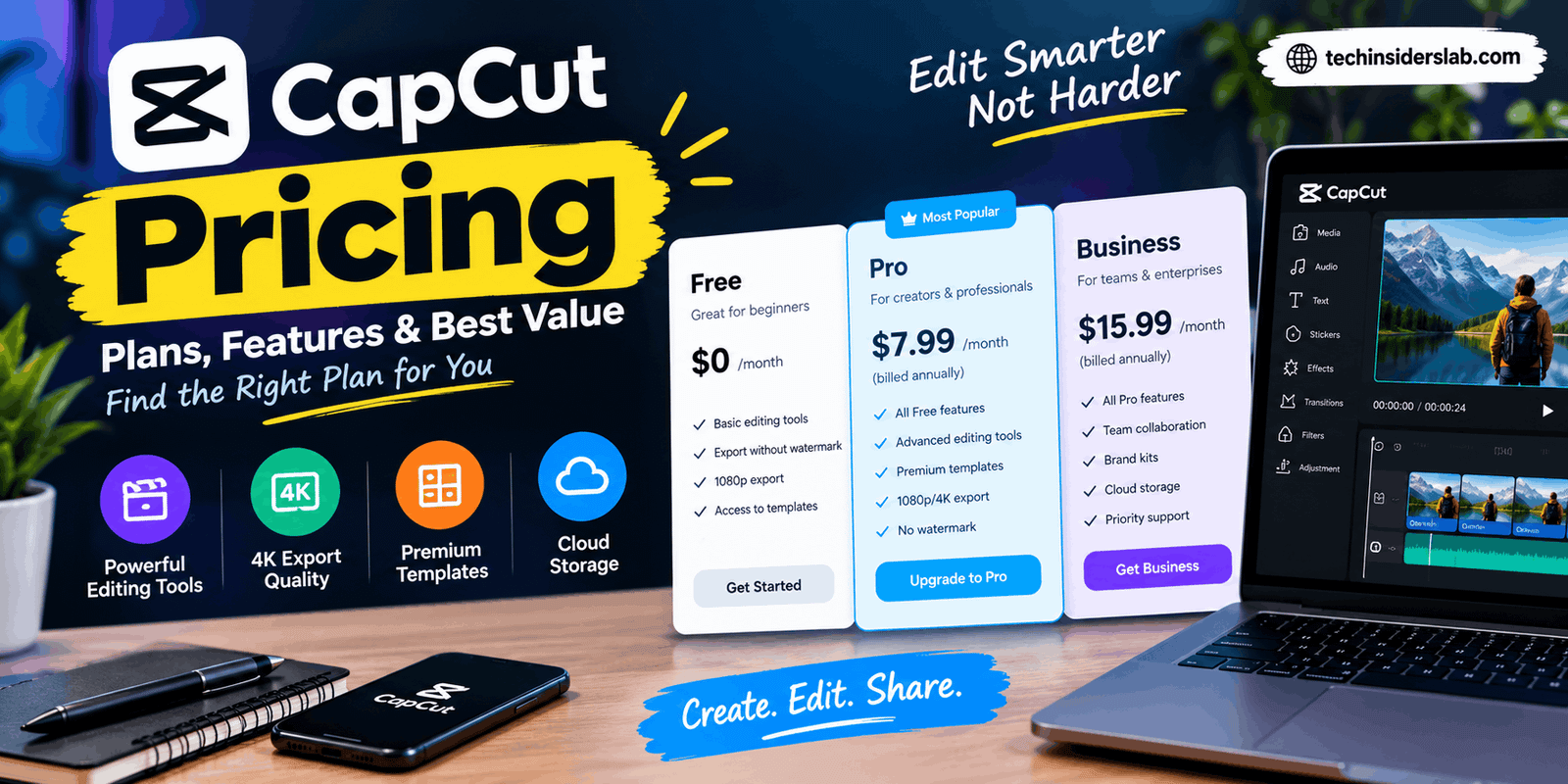
CapCut uses a combination of free access and paid subscriptions. Its official pricing page currently lists Free, Pro, Ultra, and Teams options, although availability and pricing can vary by region and platform.
Here is an overview of the plans displayed on the official US-dollar pricing page.
| Plan | Displayed price | Best for |
| Free | $0 | Beginners and casual editors |
| Pro | $19.99/month | Individual creators needing premium tools |
| Ultra | $79/month | AI-focused creators with demanding workflows |
| Teams | $12.49/month per seat | Collaborative content teams |
These figures reflect the plans and prices displayed on CapCut’s official pricing page at the time of writing. They should not be treated as universal prices or guaranteed offers for every account. Annual billing, promotional offers, regional pricing, and app-store subscriptions may show different amounts.
Before subscribing, check the current offer directly on the official
1. CapCut Free Plan
The Free plan is the starting point for users who want to edit videos without paying a subscription fee. It includes basic editing tools and free templates, making it suitable for everyday video creation.
Features of the Free Plan
Depending on the version and platform, free users can access features such as:
- Trimming, splitting, and merging video clips.
- Adding text, transitions, and supported effects.
- Adjusting video speed and basic visual settings.
- Working with available audio and creative assets.
- Using free templates to simplify editing.
- Creating content for social media and personal projects.
The precise selection of available tools can change as CapCut updates its software.
Who Should Choose CapCut Free?
The free version is a practical choice for beginners, students, occasional editors, and creators who do not need premium effects or advanced AI features.
For example, someone creating short clips for Instagram, personal travel videos, or simple YouTube content may find that the free tools cover most of their needs.
The main limitation is that some templates, effects, AI functions, and other resources may require a paid plan. A project that uses premium assets can also prompt the user to upgrade before exporting or continuing with certain features.
Verdict: Start with the free version if you are unsure whether CapCut fits your workflow. Test the tools you actually need before paying for additional features.
2. CapCut Pro Pricing
CapCut Pro is intended for users who need more than the basic editing experience. It expands access to premium creative assets, advanced features, and AI-powered tools.
The official pricing page displays Pro at $19.99 per month in its current US-dollar listing. Your account may show a different price, so use the amount presented at checkout when calculating the real cost.
What Does CapCut Pro Include?
The official plan information highlights benefits such as:
- Access to premium templates and Pro features.
- AI features and a monthly allocation of AI credits.
- Additional creative resources for more sophisticated edits.
- Up to 1 TB of cloud storage on the displayed plan.
- Tools intended to support more flexible content creation.
Available features may differ depending on your device, region, and software version. Not every AI feature is necessarily included without limits, and certain services may use credits or have separate restrictions.
Who Should Buy CapCut Pro?
Pro may be suitable for YouTubers, freelance video editors, social media managers, influencers, and small businesses that publish content regularly.
Imagine a creator producing several short videos each week. Premium templates, advanced captions, and other time-saving features may reduce repetitive editing work. If those tools help the creator produce content more efficiently, the subscription may offer meaningful value.
However, someone who edits a video only once or twice a month may not benefit enough to justify a recurring fee.
Verdict: Consider Pro when you regularly encounter features that are unavailable in the free version and those features provide a clear benefit to your work.
3. CapCut Ultra Pricing
Ultra is a higher-tier subscription displayed on CapCut‘s pricing page for AI-focused creators who need additional creative capabilities.
The current official listing shows Ultra at $79 per month. This is a premium option, and users should verify availability and the exact amount in their own account before making a purchase.
What Makes Ultra Different?
The advertised plan includes a larger monthly AI credit allocation than Pro, premium templates, cloud storage, and exclusive AI features beyond those included in Pro.
The displayed allocation is 8,645 monthly AI credits, compared with 1,200 for Pro. Credit-based features may have their own usage rules, so the number of credits alone does not guarantee a particular number of finished videos.
Is Ultra Worth the Cost?
Ultra may appeal to creators who rely heavily on supported AI generation tools and need the additional capabilities for frequent production.
For example, a content studio experimenting with AI-assisted visual content may find a higher-tier plan useful if it regularly reaches the limits of its existing subscription.
For casual editors, students, or users who primarily trim clips and add text, Ultra is likely more than they need.
Verdict: Evaluate Ultra only when its exclusive features solve a specific problem. Do not assume that the most expensive plan automatically produces better results for every editing task.
4. CapCut Teams Pricing
CapCut also lists a Teams plan designed for collaborative content production. It can be useful for businesses, agencies, and groups that need shared creative resources.
The official pricing page currently displays a price of $12.49 per month per seat, with the listed configuration showing two seats. Actual availability, billing terms, and minimum seat requirements should be checked before purchasing.
Key Benefits of the Teams Plan
Depending on the available configuration, the plan includes:
- Pro features for team members.
- Shared brand-kit resources.
- AI credits allocated per seat.
- Cloud storage for team workflows.
- Shared creative resources and collaboration capabilities.
A brand kit can help a team maintain consistency across videos by organizing elements such as logos, colors, and other brand assets.
Who Needs a Teams Subscription?
This plan may be suitable for marketing agencies, small businesses, and content teams where multiple people contribute to video projects.
A solo creator who edits all their own videos may not need team-oriented features. In that situation, Free or Pro may be a more sensible choice.
Verdict: Choose Teams when collaboration and shared brand resources are important. Compare the total cost across all required seats instead of looking only at the per-seat price.
CapCut Free vs. Pro vs. Ultra vs. Teams
Choosing a plan becomes easier when you compare what each one is intended to accomplish.
| Feature or need | Free | Pro | Ultra | Teams |
| Basic video editing | Yes | Yes | Yes | Yes |
| Free templates | Yes | Yes | Yes | Yes |
| Premium features | Limited | Included benefits | Included benefits | Pro features |
| AI capabilities | Limited availability | Expanded access | Additional AI features | AI features and credits |
| Cloud storage | Free allowance | Up to 1 TB listed | 1 TB listed | 1 TB listed |
| Team collaboration | Limited | Individual workflow | Individual workflow | Team-focused |
| Best suited for | Beginners | Regular creators | AI-heavy workflows | Groups and businesses |
This is a high-level comparison rather than a guarantee that every feature is identical across platforms. The features shown in your account and the plan’s terms should take priority.
Why Does CapCut Pricing Vary?
One reason users find CapCut pricing confusing is that the price displayed online may not match the amount shown inside the mobile application.
Several factors can explain the difference.
Regional Pricing
CapCut may display different subscription prices depending on the user’s country or market. Local pricing policies, currency conversion, taxes, and other regional factors can affect the final amount.
Device and Platform
Purchasing through a website, Apple App Store, or Google Play can result in different offers or billing amounts. The subscription page on your own device is therefore important when checking the actual cost.
Monthly and Annual Billing
A monthly plan generally provides a shorter commitment, while an annual subscription may offer a different overall price. Compare the total amount charged upfront, not just a monthly equivalent shown in an advertisement.
Promotions and Account-Specific Offers
Discounts and introductory offers may be available to certain users at particular times. Such offers can expire or change, so confirm their duration and renewal price before accepting them.
CapCut’s official guidance recommends checking the subscription or payment page for the most accurate current price.
How to Check the Latest CapCut Price
You can verify the available subscription cost before committing to a plan.
- Visit CapCut’s official pricing page or open the CapCut application.
- Sign in to the account you intend to use.
- Open the subscription or upgrade section.
- Compare the available plans and billing periods.
- Review the displayed currency, taxes, renewal terms, and final charge.
- Confirm the subscription only if the price and features meet your needs.
If you encounter a Pro-only feature during editing, CapCut may also display an upgrade prompt. This can help you check the current offer associated with your account.
Avoid relying on old screenshots or third-party articles for exact prices, because subscription costs can change.
Is CapCut Pro Worth It in 2026?
Whether CapCut Pro is worth the price depends on how frequently you edit videos and which premium features you use.
For frequent creators, Pro may provide value through premium assets, additional AI capabilities, and a more flexible workflow. These benefits can matter when publishing videos regularly or working with clients.
For beginners, the free plan may be enough. There is little reason to pay for premium features before understanding whether you need them.
Ultra is more relevant to users with intensive AI-related requirements, while Teams is better suited to collaborative production. These higher-tier options should be evaluated against your actual workload rather than their feature counts alone.
One useful approach is to list the features you need before comparing plans. If your essential requirements are available for free, you can continue using the free version. If you repeatedly encounter limitations that slow your work, compare the cost of upgrading with the time and effort you expect to save.
Tips to Save Money on CapCut
You can avoid unnecessary subscription expenses by making a few careful decisions.
Use free features first. Explore the basic editor and available templates before purchasing premium access.
Subscribe for a clear reason. Upgrade only when a paid tool solves a recurring problem or supports a specific project.
Compare billing periods. Calculate the total cost of monthly and annual offers and check whether an annual commitment makes sense for your usage.
Check the renewal price. A promotional rate may not be the amount charged when the subscription renews.
Review your subscription settings. If you no longer need the service, cancel through the correct billing provider before the renewal date.
Be cautious with unofficial offers. Avoid sharing account credentials or payment information with unverified sellers offering unusually cheap subscriptions.
These steps can help you keep editing expenses under control while still accessing the features that matter to you.
Conclusion
CapCut pricing in 2026 offers options for different types of video creators, from people who need basic editing tools to professionals and teams that depend on premium features.
The Free plan is a sensible starting point for beginners and casual users. Pro may be worth considering for regular creators who need premium templates, AI tools, and additional storage. Ultra targets more demanding AI-focused workflows, while Teams supports collaborative content production.
The most important step is to verify the price shown for your region and device before subscribing. Since plan details and prices can change, the official checkout page is the best place to confirm your final cost.
Ultimately, the best CapCut plan is not necessarily the most expensive one. It is the plan that provides the features you actually use at a price that fits your budget.