Admin: Guide to Admin Panels, Roles, and Management
introduction
The word Admin is commonly used across websites, applications, software platforms, networks, and business systems. It is short for administrator or administration, and its meaning can change depending on the technology or system where it is used. In computing, an admin is generally a person who has special permissions to manage users, settings, data, security, or other important parts of a digital system.
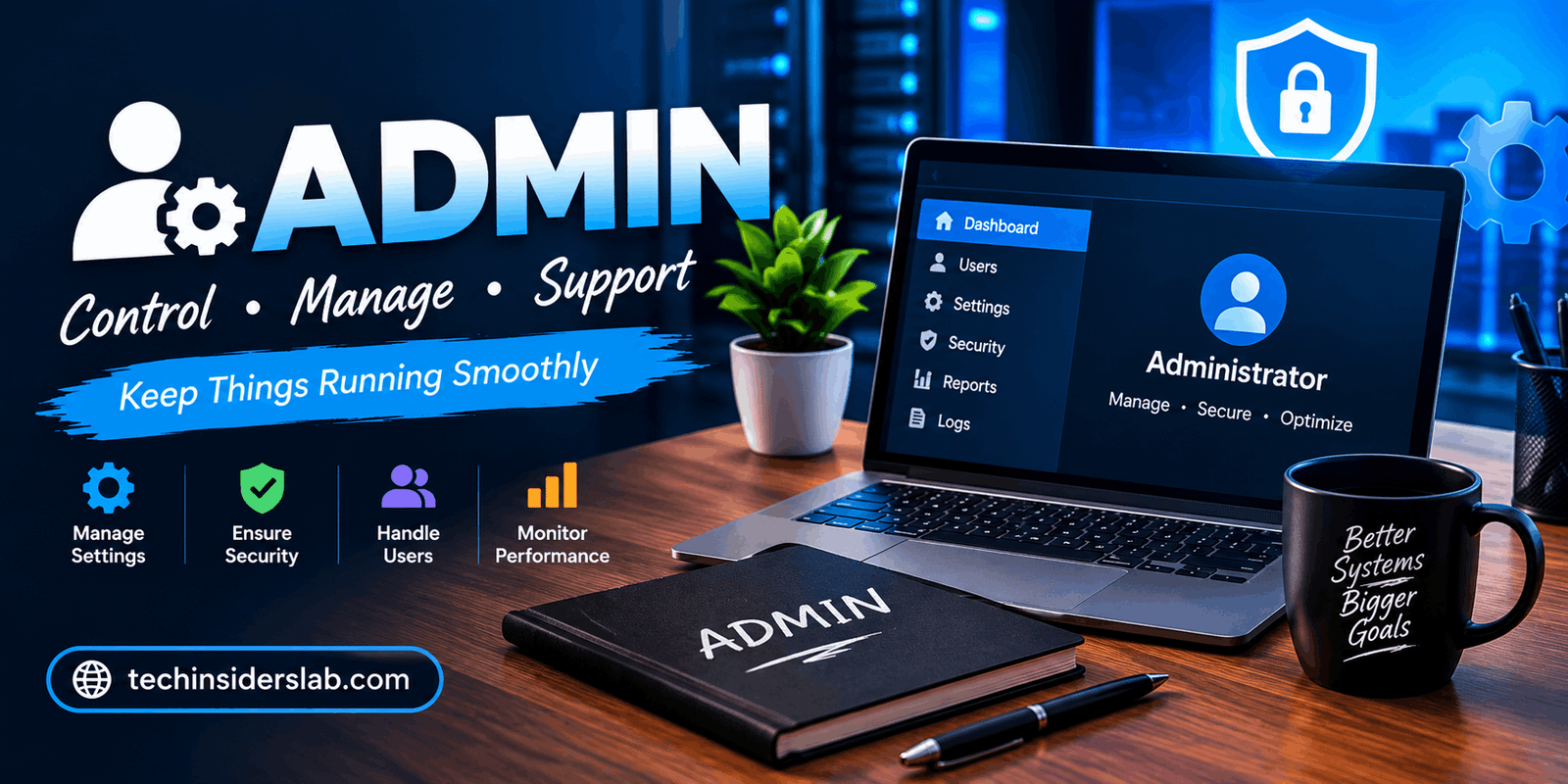
For many modern websites and applications, the term Admin is also connected with an admin panel or admin dashboard. This is the private area where authorized users control different parts of a platform. Instead of changing information directly inside a database or relying on technical staff for every small task, administrators can use a structured interface to perform management activities.
Understanding what Admin means, how admin panels work, and why permissions matter can help both beginners and businesses make better decisions about technology.
What Does Admin Mean?
Admin is a shortened form of administrator. In technology, an administrator is someone responsible for managing or controlling a computer system, website, application, network, or organization of users.
An administrator may have access to functions that ordinary users cannot access. For example, an admin might be able to create accounts, remove users, change settings, manage content, review activity, or configure system features.
The exact responsibilities depend on the platform. A website administrator may manage pages and users, while a network administrator may manage computers, network devices, security policies, and connectivity.
In simple terms, an admin is a trusted person who has additional control over a digital system.
What Is an Admin Panel?
An admin panel is a private management interface used by authorized users to operate a website, application, SaaS platform, online store, or other digital system.
Instead of showing customers the technical controls behind a platform, an admin panel provides selected management tools through an easier interface.
For example, an online store might use its admin panel to manage:
- Products
- Customers
- Orders
- Payments
- Inventory
- Discounts
- Website content
- Reports
- User accounts
A software application may use an admin panel for account management, subscriptions, permissions, support operations, integrations, and system configuration.
The main purpose is to give authorized staff a practical way to manage the system without requiring direct access to databases or server infrastructure.
Admin Panel vs Admin Dashboard
The terms admin panel and admin dashboard are often used interchangeably, but they can have slightly different meanings.
An admin dashboard usually focuses on providing an overview of important information. It might display statistics, recent activities, sales numbers, user growth, alerts, or system performance.
An admin panel is generally broader. It can include the dashboard but also provide detailed controls for users, content, settings, permissions, transactions, and other operations.
For example, a dashboard might show that a website has 10,000 registered users, while the admin panel allows an authorized employee to search those users, update account information, suspend an account, or change its role.
Therefore, the dashboard can be considered the overview area, while the admin panel can function as the complete management environment.
Common Features of an Admin System
Modern admin systems can contain many different features depending on the purpose of the software. However, several functions appear across many platforms.
1. User Management
User management is one of the most common admin functions.
An administrator may be able to create accounts, update user information, deactivate accounts, reset access, assign roles, and manage permissions.
For a large platform, user management can become a major part of daily operations. Support teams may need to investigate accounts, while managers may need to control which employees can access particular sections.
2. Role Management
Not every user should have administrator-level access.
A modern system can define different roles such as:
- Super Admin
- Administrator
- Manager
- Editor
- Moderator
- Support Agent
- Viewer
Each role can receive a different collection of permissions.
For example, an editor might be allowed to publish content but not change security settings. A support employee may be able to view customer information but not modify billing configurations.
This approach reduces unnecessary access and makes the system easier to control.
3. Permissions
Permissions determine what an individual user can see or do.
A permission system may control actions such as:
- View
- Create
- Edit
- Delete
- Approve
- Export
- Manage users
- Change settings
More advanced systems can restrict access to specific records, fields, or actions. This is especially useful for organizations where employees have different responsibilities.
Role-based access control, commonly called RBAC, is one widely used approach. It assigns permissions to roles and then assigns those roles to users.
Why Admin Security Matters
Admin accounts are particularly important because they often have access to sensitive information and powerful system controls.
If an ordinary account is compromised, the potential damage may be limited. A compromised administrator account can be much more serious because an attacker could potentially change settings, access private information, create unauthorized accounts, or manipulate important data.
For this reason, administrative areas should receive strong security protections.
Common security practices include:
- Strong passwords
- Multi-factor authentication
- Secure sessions
- Role-based permissions
- Login monitoring
- Audit logs
- Regular access reviews
- Account deactivation when employees leave
- Secure authentication systems
Security should not depend only on hiding an admin page. Authorization must actually be enforced by the application and its backend systems.
What Is an Admin Dashboard Used For?
The usefulness of an admin dashboard depends on the type of organization or application.
For an e-commerce business, administrators might use it to monitor orders, update products, manage customers, and review sales.
For a content website, the admin area can be used to create articles, edit pages, moderate comments, and manage authors.
For a SaaS application, administrators may control subscriptions, organizations, users, billing information, integrations, and account settings.
For a support team, an internal admin tool can help employees search customer records, review support cases, and perform authorized account actions.
This makes the admin dashboard more than a collection of charts. A well-designed admin system should help employees complete real operational tasks efficiently.
Admin and Content Management
Many websites depend heavily on administrators for content management.
An admin may create or edit:
- Blog posts
- Pages
- Categories
- Images
- Menus
- Product descriptions
- FAQs
- Announcements
A content management system can make these tasks possible without requiring the administrator to write code for every update.
Different content roles can also be created. For example, an author may create content, an editor may review it, and an administrator may have complete control over publishing and system settings.
This separation can improve both workflow and security.
Admin Tools for Business Operations
Admin systems are also important for business operations.
A company may need employees to process orders, review transactions, approve requests, manage subscriptions, investigate support issues, or generate reports.
Without an administrative interface, employees might have to rely on developers to perform many routine operations directly in databases or internal systems.
A well-planned admin panel moves these operations into a controlled interface. This can reduce repetitive technical requests and make everyday work more efficient.
Search, Filters, and Data Management
As a platform grows, an admin may have to manage thousands or even millions of records.
For this reason, search and filtering are extremely important.
A useful admin interface may allow administrators to search by:
- Name
- Account ID
- Order number
- Date
- Status
- Category
- Location
Filters can make large datasets easier to navigate. Sorting, pagination, exports, and saved views can also improve productivity.
The goal is not simply to display a large amount of information. The interface should help administrators quickly locate the specific information they need.
Audit Logs and Administrative Activity
An audit log records important administrative actions.
For example, a system might record that an administrator changed a user’s role, modified a setting, approved a request, or updated an important record.
Audit logs can help organizations understand what happened and who performed a particular action.
They are especially useful for systems where security, accountability, or compliance is important. Modern admin design increasingly treats auditability as an important part of the management system rather than an optional feature.
Admin vs Super Admin
The terms Admin and Super Admin are not always standardized, but many platforms use them to describe different levels of authority.
An Admin may be able to manage users and normal operational tasks.
A Super Admin may have broader authority, including the ability to manage administrators, system-wide settings, security configurations, or organizations.
However, giving every employee Super Admin privileges is generally unnecessary. Access should match the person’s actual responsibilities.
The principle of least privilege suggests that users should receive only the access they need to perform their jobs.
Different Types of Administrators
The word Admin can describe several technology roles.
System Administrator
A system administrator manages computer systems, servers, operating systems, and related infrastructure.
Network Administrator
A network administrator works with network infrastructure, connectivity, devices, and network security.
Database Administrator
A database administrator manages databases, including performance, access, backups, and maintenance.
Website Administrator
A website administrator may manage website content, users, settings, plugins, configurations, and other operational functions.
Application Administrator
An application administrator manages users, configurations, permissions, integrations, and operational settings within a software application.
Although these roles have different responsibilities, they share a common concept: maintaining and controlling a technology environment.
How to Choose an Admin Panel
When selecting or designing an admin panel, organizations should focus on actual workflows rather than simply choosing an attractive interface.
Important questions include:
- Who will use the admin system?
- What tasks do they need to perform?
- Which data can each role access?
- Which actions require additional approval?
- What activities need to be logged?
- How will authentication be protected?
- How will permissions change as the organization grows?
A visually attractive dashboard is useful, but functionality, security, usability, and maintainability are more important.
A good admin interface should make common tasks simple while making sensitive actions carefully controlled.
Benefits of a Good Admin System
A well-designed admin system can provide several benefits.
Better productivity: Employees can complete routine tasks without relying on developers.
Improved security: Roles and permissions help prevent unnecessary access.
Centralized management: Users, content, settings, and operational data can be managed from one place.
Faster problem solving: Support teams can quickly find records and take authorized actions.
Better accountability: Audit logs can show important administrative activity.
Scalability: A structured permission system can support growing teams and larger datasets.
These benefits make administrative tools an important part of many modern digital products.
Common Problems With Admin Systems
Admin systems can also create problems when they are poorly designed.
One common issue is giving too many users excessive privileges. Another is creating complicated permission structures that employees cannot understand.
Poor search functionality can make large databases difficult to manage. Slow pages can reduce productivity, while missing audit logs can make important changes difficult to investigate.
Another problem occurs when the admin interface is designed around database fields rather than actual business workflows.
A better approach is to start by identifying what employees need to accomplish and then build the interface around those tasks.
The Future of Admin Technology
Administrative software is becoming more intelligent and automated.
Modern platforms increasingly combine dashboards with workflow automation, advanced search, analytics, notifications, integrations, and AI-assisted features.
AI can potentially help administrators summarize activity, identify unusual patterns, find records, generate reports, or guide employees through routine workflows. However, sensitive administrative actions still require careful authorization and oversight.
As digital products become more complex, admin systems will likely become more focused on automation while maintaining strong security and human control.
Conclusion
Admin is a broad technology term that usually refers to an administrator or administrative functionality within a digital system. In websites and applications, it is commonly associated with admin panels and dashboards that allow authorized users to manage data, users, settings, content, and business operations.
A modern admin system should do more than display statistics. It should provide practical tools for completing real tasks while protecting sensitive information through authentication, permissions, role-based access, and auditing.
Whether it is a small website, e-commerce store, SaaS application, or large enterprise platform, a well-designed admin system can make technology easier to manage and significantly improve operational efficiency. The most effective approach is to give each person the right level of access and build the administrative experience around the work they actually need to perform.