Pitch:Guide to the AI-Powered Presentation Platform
introduction
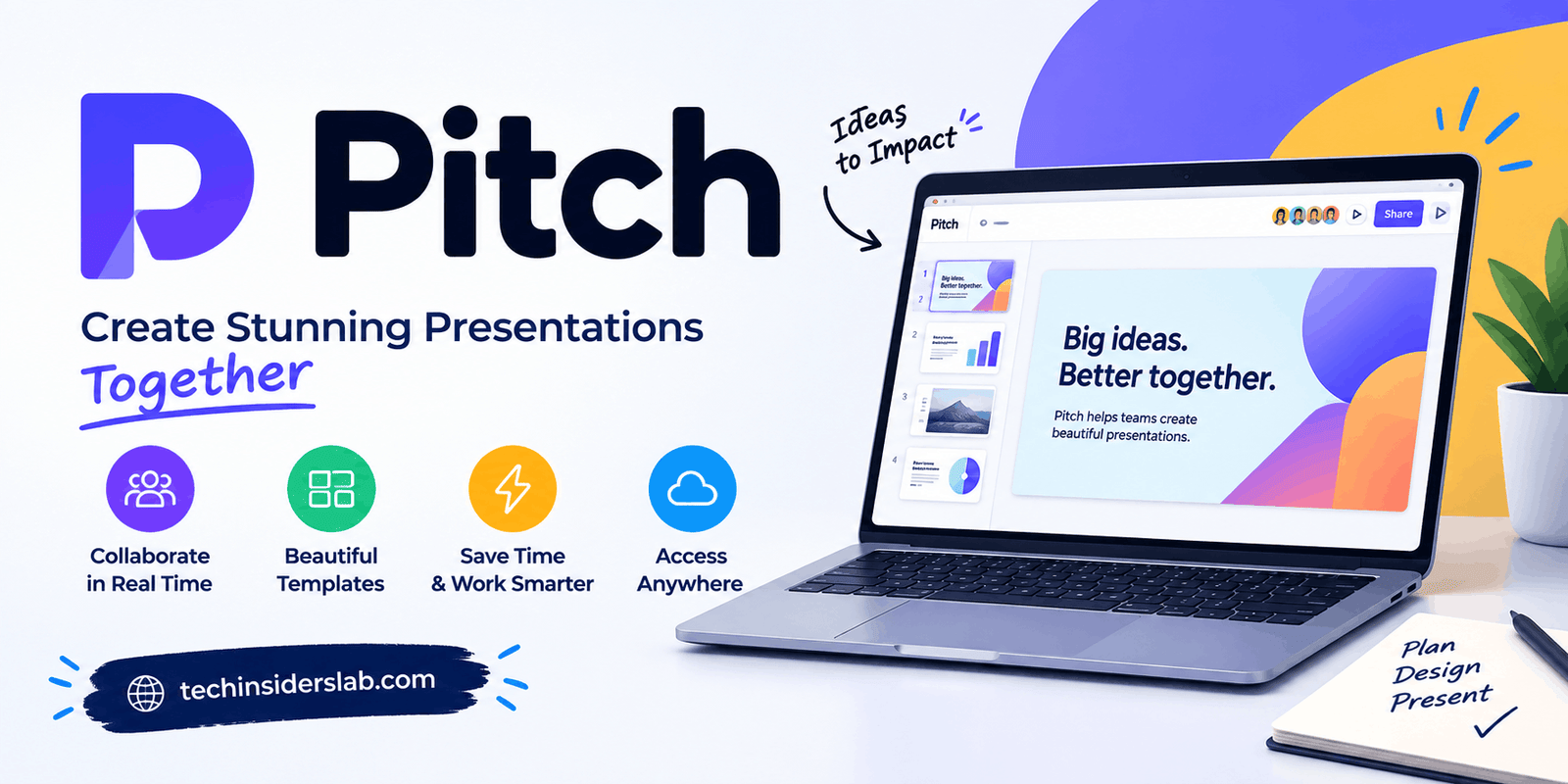
Creating a professional presentation can take hours, especially when you need attractive designs, consistent branding, useful visuals, and collaboration with other people. Pitch is a modern presentation platform designed to simplify this process by bringing presentation creation, AI tools, collaboration, sharing, and analytics into one workspace.
Unlike traditional presentation software that mainly focuses on creating slides, Pitch combines presentation design with modern team workflows. Users can start from a template, create slides with AI, import existing presentations, customize designs, collaborate with teammates, and share presentations online.
This makes Pitch useful for businesses, startups, marketers, sales teams, educators, freelancers, consultants, and anyone who regularly needs to communicate ideas through presentations.
What Is Pitch?
Pitch is an online presentation platform built for creating, editing, sharing, and managing presentation decks. It combines many features of traditional presentation software with collaboration and AI-powered tools.
Users can begin with a blank presentation, select a professionally designed template, or use AI to create an initial presentation. After that, they can customize the content and design according to their needs.
One of Pitch’s main ideas is that presentations do not have to remain isolated files. Instead, they can become collaborative documents that teams create together, share with customers, and improve over time.
How Does Pitch Work?
Pitch follows a straightforward presentation workflow. Users can create a presentation, customize it, collaborate with other people, present or share it, and review engagement when appropriate.
The first step is usually selecting a template or creating a presentation with AI. Once the basic structure has been created, users can modify text, images, layouts, fonts, colors, charts, and other elements.
Because Pitch works online, teams can collaborate without constantly sending different presentation files to one another. This can make the editing process more organized, especially when several people are involved.
Pitch AI Presentation Features
One of the most notable aspects of Pitch is its AI-powered presentation workflow.
Pitch’s AI tools can help users create a presentation from a written description and assist with improving existing slides. This can be useful for people who know what they want to communicate but do not want to start with an empty slide.
AI can help with tasks such as:
- Creating presentation drafts
- Generating slide content
- Rewriting text
- Improving wording
- Proofreading
- Creating or enhancing visuals
- Adapting content to a specific style
- Developing presentation structures
AI should generally be viewed as a starting point rather than a replacement for human review. Users should check generated information, wording, structure, and design before using an AI-created presentation for an important meeting or business purpose.
Professionally Designed Templates
Starting a presentation from a completely blank canvas can be challenging. Pitch addresses this issue through its collection of professionally designed templates.
Templates can be used for different purposes, including business presentations, marketing decks, project plans, sales presentations, company overviews, and other professional communication.
The main advantage of templates is that users do not need to design every slide from scratch. A template can provide a visual foundation that users can then customize with their own information.
Templates are particularly useful for people who want a polished presentation but do not have extensive graphic design experience.
Brand Customization
Brand consistency is important for companies that create presentations regularly.
Pitch provides tools that allow teams to maintain consistent visual branding across their presentations. Users can work with brand colors, fonts, images, videos, templates, and other visual assets.
This can be useful for marketing teams, agencies, sales departments, and organizations where multiple people create customer-facing presentations.
A consistent presentation style can help an organization maintain the same visual identity across different decks and communication materials.
Real-Time Collaboration
Collaboration is another important part of Pitch.
Traditional presentation workflows often involve sending files between team members. This can result in multiple versions of the same presentation and make it difficult to determine which file is the latest version.
Pitch provides a shared online environment where team members can work together. Users can edit presentations, provide feedback, add comments, and organize presentation tasks.
For example, a marketing employee could work on the design while a sales employee adds customer information and another team member reviews the final messaging.
This type of workflow can reduce unnecessary file exchanges and make group presentation projects easier to manage.
Pitch for Business Presentations
Businesses can use Pitch for many different presentation requirements.
Common examples include:
- Company presentations
- Sales decks
- Investor presentations
- Product presentations
- Business proposals
- Marketing plans
- Project reports
- Client presentations
- Strategy meetings
- Internal team presentations
The platform can be particularly useful for organizations that create presentations frequently and want a consistent process for designing, reviewing, and sharing them.
Pitch for Sales Teams
Sales professionals often use presentations to explain products, services, solutions, and business proposals to potential customers.
Pitch provides features that can support this type of workflow. Teams can create personalized presentation experiences and share materials with prospects.
Another useful aspect is presentation engagement information. Depending on the plan and sharing configuration, users may be able to understand how recipients interact with shared presentations.
For sales teams, this can provide additional context when following up with potential customers.
Instead of simply sending a presentation and waiting for a response, sales professionals can use available engagement information to understand whether their material received attention.
Presentation Analytics
Pitch can extend the presentation experience beyond the point where a deck is created.
Presentation analytics can provide information about how shared presentations are viewed. Depending on the available features and plan, users may be able to see presentation visits and other engagement information.
This can be useful for sales and marketing teams because it provides additional insight into how audiences interact with presentation content.
Analytics can also help teams identify which parts of their communication are receiving attention and which areas may need improvement.
However, users should always check the current Pitch plan and feature availability because analytics capabilities can vary.
Interactive Presentations
Modern presentations often include more than static text and images.
Pitch supports elements such as videos, animations, charts, tables, and embedded content. These features can help users create presentations that feel more interactive.
For example, a company could include a product demonstration video in a sales presentation or add an interactive element to a marketing deck.
Interactive content can be particularly useful when a presentation is being shared digitally rather than delivered only in a traditional meeting room.
Data and Charts
Business presentations frequently require data.
Pitch provides tools for presenting information through charts and tables. This allows users to transform numbers and statistics into more understandable visual formats.
For example, a marketing team could use charts to show campaign performance, while a business team could present financial information using tables and graphs.
Visualizing data can make complicated information easier for an audience to understand, especially when the presentation contains large amounts of numerical information.
Importing Existing Presentations
Switching to a new presentation platform can be difficult when users already have existing presentation files.
Pitch supports PowerPoint importing and also provides export options for presentations.
This makes it easier for users to work with existing presentation content while gradually moving toward a new workflow.
For example, a team can import an existing presentation, update its design in Pitch, collaborate with colleagues, and then export the finished presentation when necessary.
Presenting With Pitch
Pitch is designed not only for creating presentations but also for presenting them.
Presentation features can include speaker notes, presentation mode, timing tools, and speaker-focused controls.
These features can help users stay organized during live presentations.
Speaker notes are particularly useful when a presenter needs additional information that should not appear on the main slide. A clean presentation can therefore remain visually simple while the presenter still has supporting information available.
Pitch for Students and Educators
Although Pitch has a strong business focus, it can also be useful in educational environments.
Students can use presentation tools for:
- School projects
- Research presentations
- Group assignments
- Classroom presentations
- Project summaries
- Visual reports
Educators can also use presentation software for lessons, workshops, training materials, and educational resources.
The collaboration features can be useful for students working on group projects because multiple participants can contribute to the same presentation.
Pitch Pricing and Free Access
Pitch follows a free-and-paid model.
The free option allows users to create presentations and use core presentation features, while paid plans provide additional capabilities designed for individuals, professionals, and teams.
Paid features can include additional AI capabilities, customization options, advanced sharing features, branding controls, and other professional tools.
Because pricing and feature availability can change over time, users should check the current Pitch plans before choosing a subscription.
For someone who only needs occasional presentations, the free option may provide enough functionality. Professional users and organizations with more advanced requirements may need a paid plan.
Advantages of Pitch
Pitch offers several features that make it different from basic presentation software.
AI-Assisted Creation
AI can help users move from an idea to an initial presentation much faster.
Professional Templates
Templates provide ready-made structures for different presentation purposes.
Collaboration
Teams can work together without constantly exchanging presentation files.
Brand Management
Custom fonts, colors, templates, and shared assets can help maintain a consistent brand identity.
Analytics
Presentation engagement information can provide useful insight when decks are shared digitally.
Interactive Content
Videos, animations, charts, and embedded elements can make presentations more engaging.
Cloud-Based Workflow
Presentations can be managed in an online workspace rather than being stored only on individual computers.
Potential Limitations of Pitch
Pitch may not be necessary for every type of presentation user.
Someone who creates a very simple presentation only once or twice may not need advanced collaboration, branding, analytics, or AI features.
Users who depend heavily on specialized desktop presentation features may also prefer traditional presentation applications for certain projects.
Another consideration is that AI-generated content requires human review. AI can save time, but it does not eliminate the need to check facts, grammar, visual hierarchy, and overall presentation quality.
Some advanced features may also be limited to specific plans, so users should compare the current features before subscribing.
Who Should Use Pitch?
Pitch can be useful for many types of users, including:
- Startups
- Business owners
- Sales professionals
- Marketing teams
- Freelancers
- Consultants
- Creative agencies
- Corporate teams
- Students
- Educators
- Project managers
It is especially relevant for people who create presentations regularly and want more than basic slide editing.
Pitch vs Traditional Presentation Software
The biggest difference between Pitch and traditional presentation software is the overall workflow.
Traditional presentation applications often focus mainly on creating slides and presenting them. Pitch combines presentation creation with cloud collaboration, AI assistance, templates, branding, online sharing, and engagement features.
This does not mean that every user needs Pitch. The appropriate tool depends on the user’s requirements.
Someone creating a simple personal presentation may only need basic presentation software. A team creating customer-facing decks on a regular basis may find collaborative and branding features more useful.
Tips for Creating Better Presentations in Pitch
To create a strong presentation, users should focus on the message instead of relying entirely on visual design.
Start by defining the purpose of the presentation. Ask what the audience should understand or remember after viewing it.
Use templates as a foundation rather than assuming they are automatically perfect for your content.
Keep slides focused. Avoid filling a single slide with large blocks of text.
Use images, charts, and other visuals when they actually improve understanding.
Maintain consistency in fonts, colors, spacing, and layouts.
If you use AI to create content, review everything carefully before presenting it.
For business presentations, analytics can also help you understand how audiences interact with shared content.
Conclusion
Pitch is a modern presentation platform that combines AI-assisted creation, professional templates, collaboration, branding, interactive content, sharing, and analytics in one online workspace.
Its AI capabilities can help users create an initial presentation quickly, while templates and design tools provide flexibility for customization. Collaboration features make it easier for teams to work together, while sharing and engagement tools can extend the usefulness of a presentation after it has been created.
For businesses, marketers, sales professionals, startups, freelancers, educators, and other presentation creators, Pitch provides a modern approach to building and managing presentations.
The platform is particularly relevant for users who want presentations to be more than static slide files. By combining creation, collaboration, presentation, and digital sharing in one environment, Pitch represents the growing shift toward smarter and more connected presentation tools.