introduction
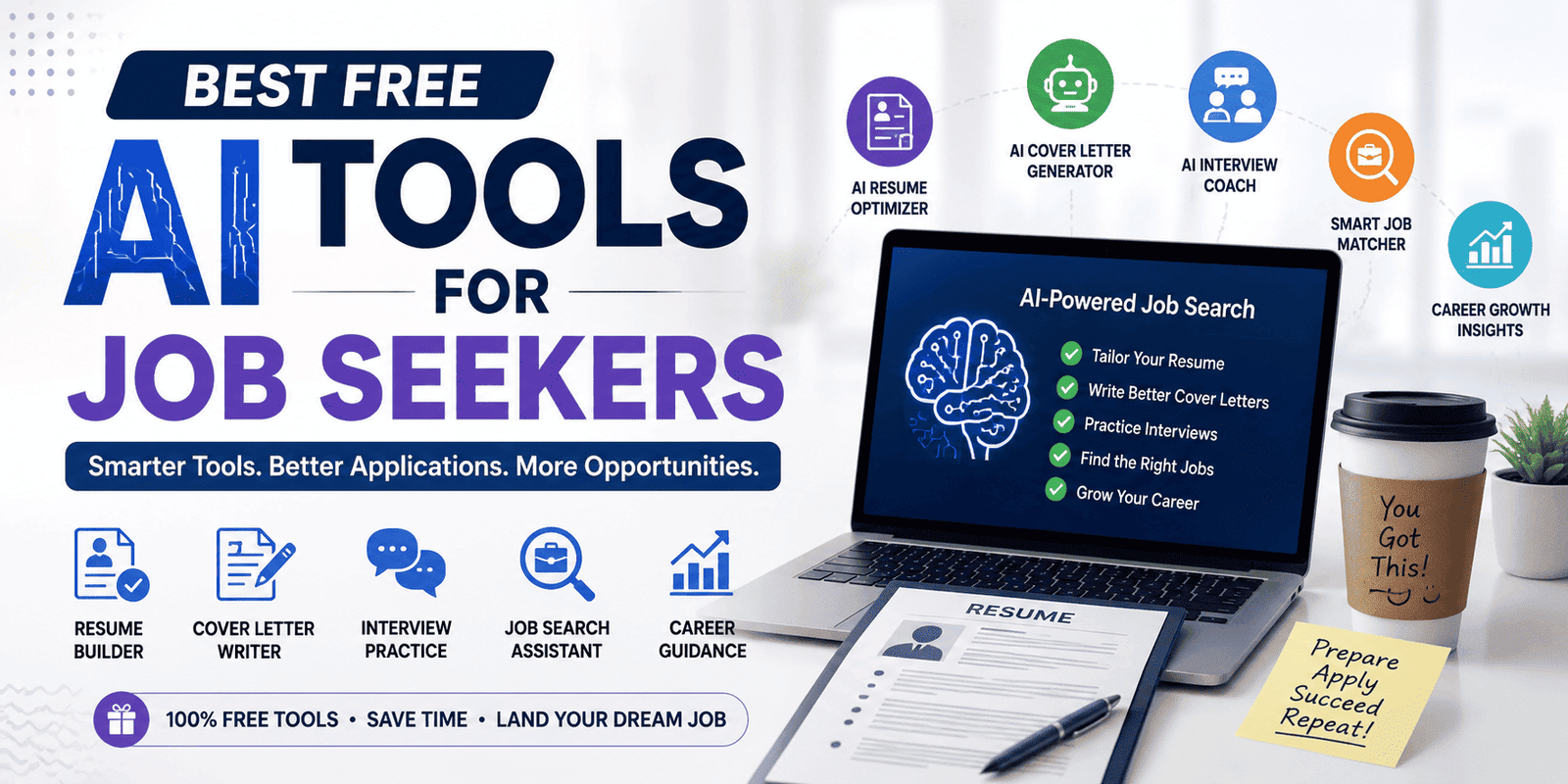
Finding a job is no longer just about sending a resume and waiting for a reply. Today, job seekers can use artificial intelligence to improve their resumes, write better cover letters, research companies, practice interviews, and organize applications. The real advantage is not simply using more AI—it is using the right tool for the right stage of the job search.
This guide explores the best free and freemium AI tools for job seekers, what each one does well, and how to use them without losing your personal voice. Free does not always mean unlimited: some tools offer a permanent free plan, while others limit scans, messages, or advanced features.
What Are AI Tools for Job Seekers?
AI job-search tools are software applications that use artificial intelligence to help with tasks such as resume writing, job matching, application tracking, and interview preparation. Instead of replacing the entire job-search process, they reduce repetitive work and help candidates make better decisions.
For example, an AI resume tool can suggest stronger wording for a genuine achievement, while an interview assistant can help you practice answering common questions. A job-tracking platform can also keep applications organized so that important follow-ups are not forgotten.
The most useful approach is to treat AI as a career assistant, not as a substitute for your experience, judgment, or communication skills.
How to Choose the Best Free AI Job Search Tools
Before signing up for any platform, consider these factors:
- Free access: Check whether the core feature is genuinely free or only available during a trial.
- Useful output: A tool should improve your application, not simply produce impressive-looking text.
- Privacy: Avoid sharing unnecessary personal information, and review how the service handles uploaded resumes.
- Customization: Choose tools that let you edit and personalize the results.
- Practical limits: Understand restrictions on scans, downloads, messages, or daily usage.
A good free tool should save time while still leaving you in control of the final application.
1. ChatGPT — Best for All-Around Job Search Help
Best for: Resume drafts, cover letters, interview practice, and career questions.
ChatGPT is one of the most flexible AI assistants for job seekers. Its free access can help you turn rough notes into a professional resume, explain a job description, create interview questions, and improve the wording of application materials. It is especially useful when you know what you want to say but struggle to organize it.
For example, you can provide a job description and ask for a list of relevant skills, then use those skills to tailor your resume. You can also ask for a mock interview and practice answering questions one at a time.
How to use it effectively: Give the AI your actual experience, target role, and preferred tone. Ask it to identify gaps or suggest improvements rather than inventing achievements. Always review the final text yourself.
Free-plan note: Free access is useful, but usage limits and available features can change.
2. Google Gemini — Best for Resume Ideas and Interview Practice
Best for: Resume drafting, cover-letter ideas, and conversational interview practice.
Google Gemini can help job seekers create a first draft of a resume, develop sample cover letters, and practice common interview questions. Its career-coaching experience is designed to help users move from a blank page to a more organized application.
It can be particularly helpful for recent graduates or career changers who need assistance explaining their skills in a professional way. You can ask it to rewrite a project description, create a concise professional summary, or simulate an interview for a particular role.
How to use it effectively: Use your real education, projects, and work history as the foundation. Ask for several wording options, then choose the one that sounds natural to you.
Free-plan note: Google offers free access to Gemini, while some advanced capabilities may depend on the plan or region.
3. Teal — Best for Resume Building and Application Tracking
Best for: Organizing a job search and tailoring resumes.
Teal is useful for job seekers who want more than a simple AI writing assistant. Its platform combines resume-building features with job-application tracking, helping users manage the different stages of a search in one place.
A major benefit is the ability to keep track of saved jobs, applications, and follow-ups. This can be valuable when you are applying to several roles and need to remember which resume version was used for each position.
How to use it effectively: Start with one master resume, then create a tailored version for each important application. Keep your tracker updated so that you can focus on relevant opportunities instead of losing time searching through old emails.
Free-plan note: Teal has a free plan, but some AI features and advanced capabilities may be limited.
4. Jobscan — Best for ATS Resume Checking
Best for: Comparing a resume with a specific job description.
Many employers use applicant tracking systems, commonly called ATS, to help organize and filter applications. Jobscan is designed to compare a resume with a job description and identify areas where the resume may not align with the role.
This can help you notice missing keywords, unclear job titles, or skills that are not easy to find in your resume. However, an ATS score is not a guarantee of an interview. A strong application still needs accurate information, relevant experience, and clear writing.
How to use it effectively: Scan your resume against the actual job description, review the suggestions, and make only truthful changes. Do not add a skill just because the tool recommends it.
Free-plan note: Jobscan offers free scans, but the number of scans and advanced features may be limited.
5. Google Interview Warmup — Best for Interview Confidence
Best for: Practicing answers out loud.
Google Interview Warmup is a useful option for people who want to become more comfortable answering interview questions. It focuses on practice rather than simply generating a perfect answer.
Speaking your answers aloud helps you notice whether you are being clear, concise, and relevant. It can also help you become more familiar with common interview topics before a real interview.
How to use it effectively: Practice with a timer, answer in your own words, and repeat the questions that are difficult. Focus on explaining your experience clearly rather than memorizing a script.
Free-plan note: Google Interview Warmup is commonly listed as a free interview-practice resource, but availability and features can change.
6. Claude — Best for Natural-Sounding Writing
Best for: Cover letters, professional summaries, and STAR interview stories.
Claude can be helpful when you want job-search writing that sounds more conversational and less like a generic template. It can help organize a cover letter around a specific role, improve the flow of a professional summary, or turn a rough experience into a structured interview answer.
For behavioral interviews, you can ask it to organize your real example using the STAR method: Situation, Task, Action, and Result. This makes it easier to explain what you did and what you learned.
How to use it effectively: Provide a real story and ask for a clear structure, not a fictional success story. Replace generic phrases with specific details from your own experience.
Free-plan note: Claude offers free access with usage limits that may vary.
7. Perplexity — Best for Company Research
Best for: Researching employers and preparing thoughtful interview questions.
Perplexity can help you research a company before applying or attending an interview. It is useful for finding information about a company’s products, recent announcements, industry, and business focus.
Good company research can help you write a more relevant cover letter and ask better questions during an interview. Instead of saying you are interested in a company because it is “a great organization,” you can explain what specifically interests you about its work.
How to use it effectively: Ask for a short company overview, recent developments, and questions you could ask in an interview. Verify important details using the employer’s official website.
Free-plan note: Perplexity provides free search access, while some advanced research features may have limits.
8. Rezi — Best for Building an ATS-Friendly Resume
Best for: Creating a structured resume from scratch.
Rezi focuses on resume creation and ATS-friendly formatting. It can help users organize their experience into a professional layout and improve the clarity of resume content.
This is useful for job seekers who have the right experience but are unsure how to present it. A structured resume can make it easier for recruiters to find important information quickly.
How to use it effectively: Use a simple format, prioritize relevant achievements, and keep the resume focused on the role you want. Avoid adding unnecessary design elements that distract from the content.
Free-plan note: Rezi has a free tier, but some AI writing and export options may require payment.
9. Simplify — Best for Reducing Application Repetition
Best for: Organizing job applications and reducing repetitive form filling.
Simplify is designed to help job seekers manage applications and reduce some of the repetitive work involved in applying for jobs. Tools in this category can be useful when you need to enter the same basic information into multiple application forms.
However, automation should not mean sending applications without checking them. Every application still needs to be reviewed for accuracy and relevance.
How to use it effectively: Keep your education, experience, and contact details updated. Review every autofilled answer before submitting, especially questions about work authorization, salary expectations, and experience.
Free-plan note: Simplify offers free features, with additional capabilities available through paid plans.
10. AI Resume Builder — Best for Quick Resume Improvements
Best for: Improving bullet points and creating a clean resume draft.
AI resume builders can be helpful when you want to improve the wording of your experience without spending hours formatting a document. They can suggest action verbs, organize sections, and help you describe achievements more clearly.
For example, instead of writing “Responsible for social media,” you could provide the actual work you performed and ask the tool to make the description more specific. The result should reflect what you genuinely did.
How to use it effectively: Start with your own notes, then ask the tool to improve clarity and structure. Keep measurable results only when you can support them.
Free-plan note: Free resume builders vary widely. Some offer free downloads, while others restrict certain templates or exports.
How to Use AI Tools in a Real Job Search
Using ten tools at once is not necessary. A simple workflow can be more effective:
- Find suitable roles: Search job boards and identify positions that match your skills.
- Tailor your resume: Use an AI assistant or resume builder to improve the wording for each role.
- Check the job description: Compare your resume with the requirements and fix genuine gaps.
- Write a focused cover letter: Explain why your experience is relevant to the employer.
- Research the company: Learn about its work and prepare thoughtful questions.
- Practice the interview: Use mock questions and answer aloud.
- Track your applications: Record deadlines, interview dates, and follow-ups.
This approach keeps AI focused on the tasks where it can save the most time.
Important Mistakes to Avoid
AI can make job applications faster, but careless use can also create problems.
Do not invent experience. Never allow an AI tool to add a job title, qualification, achievement, or skill that you do not actually have.
Do not copy every suggestion. AI-generated writing can sound generic. Your resume should reflect your real responsibilities and achievements.
Do not apply blindly. Sending hundreds of poorly matched applications is not necessarily better than sending fewer, more relevant ones.
Do not ignore privacy. Avoid sharing sensitive personal information unless it is necessary and you understand how the tool handles your data.
Do not rely only on an ATS score. A resume score is a useful signal, not a guarantee of success.
Best Free AI Tools by Task
| Job-search task | Recommended tool |
| General career help | ChatGPT |
| Resume and cover-letter ideas | Google Gemini |
| Resume building and tracking | Teal |
| ATS resume checking | Jobscan |
| Interview practice | Google Interview Warmup |
| Natural-sounding writing | Claude |
| Company research | Perplexity |
| ATS-focused resume creation | Rezi |
| Application organization | Simplify |
| Quick resume improvements | AI resume builders |
These recommendations are based on each tool’s primary use case, not a claim that one platform is best for every job seeker. Free features and limits should be checked before relying on a tool.
Conclusion
The best free AI tools for job seekers are the ones that help you work smarter without replacing your own experience. ChatGPT and Gemini are useful for general career assistance, Teal helps organize applications, Jobscan supports resume checking, and Google Interview Warmup helps build interview confidence. Other tools, such as Claude, Perplexity, Rezi, and Simplify, can support specific parts of the process.
The smartest strategy is to choose a small set of tools that match your needs. Use AI to improve clarity, prepare better, and save time—but always review the final result yourself. A genuine, well-targeted application is more valuable than a large number of generic applications.