introduction
In today’s digital business environment, customer communication has become more complex than simply answering phone calls. Companies need reliable systems that can manage voice calls, messaging, email, customer data, agent workflows, reporting, and increasingly, artificial intelligence. Five9 is designed for this environment as a cloud-based contact center platform, and the Five9 Login is the entry point employees and authorized users use to access their organization’s Five9 environment.
Five9 describes its offering as an Intelligent CX Platform that brings together customer engagement, automation, analytics, workforce tools, and integrations. The company says its platform is used by more than 3,000 global customers.
This guide explains what Five9 Login means, how users can access their account, what to do when login problems occur, and why Five9 has become an important tool for modern contact centers.
What Is Five9?
Five9 is a cloud contact center and customer experience platform built for organizations that need to communicate with customers across multiple channels. Instead of relying entirely on traditional phone systems or hardware-based contact centers, businesses can use Five9’s cloud infrastructure to manage customer interactions.
The platform supports inbound, outbound, and blended contact center operations. It also includes capabilities for digital engagement, intelligent routing, reporting, workforce management, AI-powered assistance, and integrations with other business applications.
The main idea behind Five9 is to bring different parts of customer communication into a connected environment. An agent may need to handle a phone call, respond to a message, review customer information, follow a workflow, and document the interaction. A modern contact center platform can make these activities easier to manage from a unified workspace.
What Does Five9 Login Do?
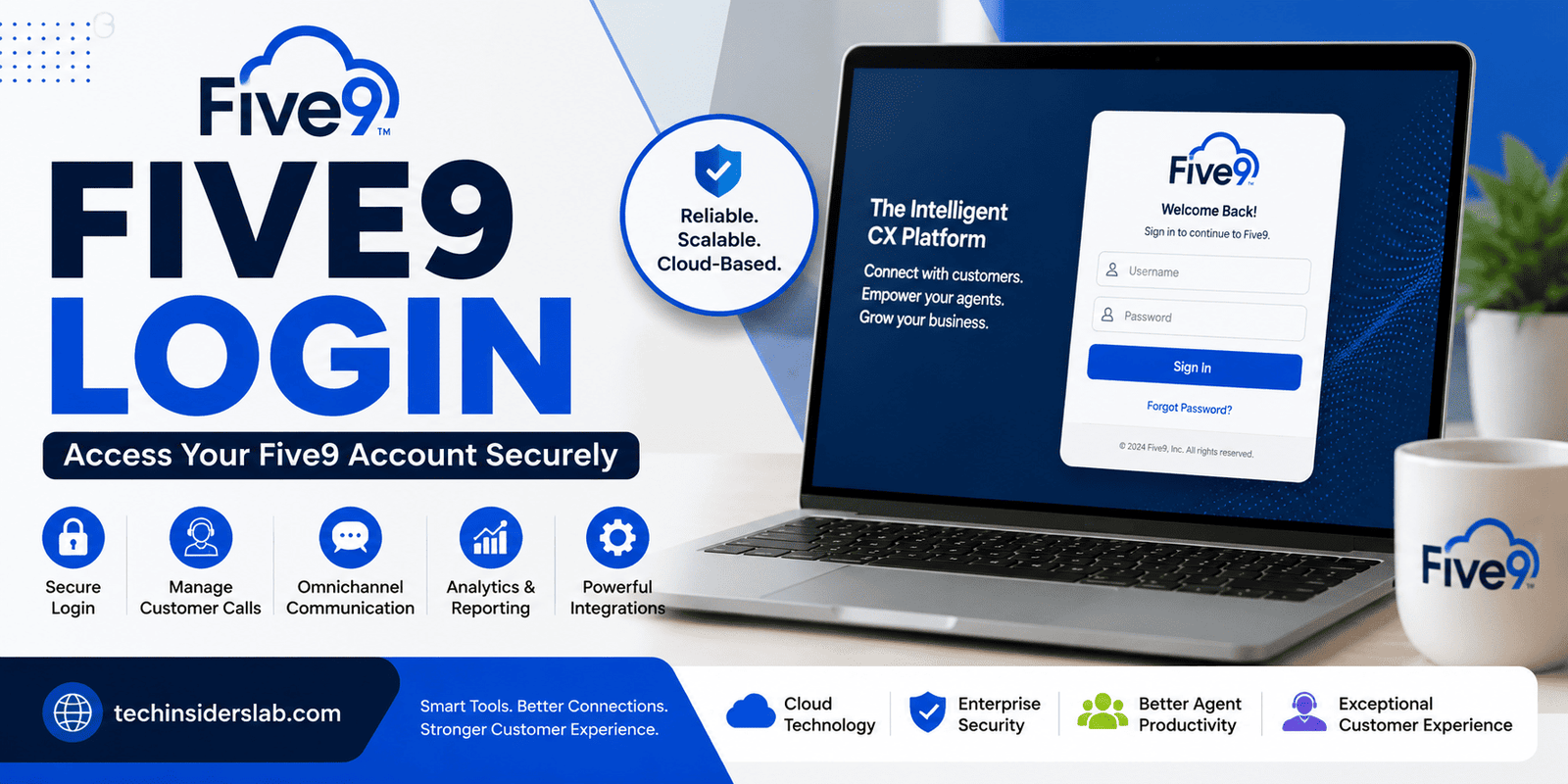
Five9 Login provides authorized users with access to their Five9 account or organization-specific environment. The official Five9 login page asks users for a username and password and provides an option to reset credentials if necessary.
Depending on how an organization has configured Five9, the login process may be associated with a particular regional environment or organizational setup. Five9 maintains login environments for different regions, including the United States, Europe, and other markets.
This means users should generally follow the login address and instructions provided by their employer or Five9 administrator rather than randomly choosing a login domain.
How to Access Five9 Login
Accessing Five9 is relatively straightforward when you already have an authorized account.
Step 1: Open the Official Five9 Login Page
Start by visiting the official Five9 login service. The main login page is available at:
The page provides fields for your username and password.
Step 2: Enter Your Username
Type the username associated with your Five9 account. Make sure there are no unnecessary spaces or typing errors.
For employees using Five9 through an organization, the username may be created or managed by the company’s Five9 administrator.
Step 3: Enter Your Password
Enter your current password carefully. Passwords are case-sensitive in many systems, so check your capitalization, numbers, and special characters if the login fails.
Step 4: Sign In
After entering your credentials, proceed with the login process. If the credentials are correct and the account is active, you should be directed into the appropriate Five9 environment.
What If You Forget Your Five9 Password?
Forgetting a password is one of the most common reasons users search for “Five9 Login.” Fortunately, the official login page includes a password reset option.
If you cannot remember your password, look for the Reset or password-recovery option on the official login page. Follow the instructions provided by Five9.
However, account recovery can also depend on your organization’s configuration. If your account is controlled by an employer or administrator, you may need to contact that administrator for assistance.
This is particularly important when the problem is not simply a forgotten password but an account lockout or access restriction.
Common Five9 Login Problems
Although the login process is simple, users can encounter several different problems.
Incorrect Username or Password
The most obvious problem is entering incorrect credentials. The official Five9 login page specifically indicates that an incorrect username or password can prevent access.
Before assuming there is a technical problem, check:
- Username spelling
- Password capitalization
- Keyboard layout
- Accidental spaces
- Browser autofill information
- Whether the password was recently changed
Locked Account
A Five9 account may also become locked. The official login page advises users with locked accounts or unexpected login errors to use the reset/change-password option or contact their organization’s administrator.
If repeated login attempts are failing, avoid continuously guessing passwords. Contacting the appropriate administrator can be a better solution.
Wrong Regional Login
Five9 operates login environments for different regions. For example, official Five9 login pages exist for the United States and Europe.
If your organization gave you a specific login address, use that address instead of assuming that every Five9 user accesses the exact same environment.
Browser Problems
Sometimes login difficulties are caused by the browser rather than the Five9 account.
You can try:
- Refreshing the page.
- Closing and reopening the browser.
- Clearing browser cache and cookies.
- Trying a private/incognito window.
- Updating your browser.
- Trying another supported browser.
- Checking whether your internet connection is stable.
If the same account works on another device or browser, the original browser may be responsible for the problem.
Five9 and Customer Service
Five9 Login is important because it provides access to a much larger customer-service ecosystem. Five9’s platform supports voice, email, messaging, chat, SMS, social messaging, video, and self-service capabilities.
This omnichannel approach is valuable because customers do not all prefer the same communication method.
One customer may want to call a company, while another may prefer live chat or messaging. A modern contact center needs to accommodate these preferences without forcing agents to work across completely disconnected systems.
Five9 aims to provide that connected experience.
Intelligent Routing in Five9
One of the important capabilities within Five9 is intelligent routing. Instead of simply sending every customer to the next available agent, routing technology can help direct interactions based on factors such as agent skills and customer intent.
Five9 says its intelligent routing capabilities can support skills-based routing, inbound and outbound calling, speech-enabled IVR, intelligent virtual agents, caller identification, and related contact center functions.
For a large contact center, intelligent routing can make a significant difference. Sending customers to the most appropriate agent can reduce unnecessary transfers and help employees resolve issues more efficiently.
Five9 and Artificial Intelligence
Artificial intelligence is another major part of Five9’s current platform strategy.
The company offers AI-related capabilities such as AI Agents, Intelligent Virtual Agents, conversational AI, AI-powered summaries, and Knowledge AI.
AI can help automate repetitive tasks while allowing human agents to focus on more complicated conversations.
For example, an automated virtual agent may handle a routine request, while a human employee can become involved when the customer has a more complex issue. This combination of automation and human support is becoming increasingly important in customer service.
Five9 Integrations
A contact center rarely operates completely independently. Businesses often rely on CRM platforms, communication systems, databases, knowledge bases, and other business applications.
Five9 supports integrations with major business platforms, including Salesforce, ServiceNow, Microsoft, Oracle, and Zendesk. It also provides APIs and SDKs for organizations that need more customized integrations.
This integration-focused approach can reduce the need for agents to constantly switch between unrelated applications.
For businesses, that can mean better access to customer information and more consistent workflows.
Five9 for Remote and Distributed Teams
Cloud-based contact center technology has become especially useful for organizations with remote or geographically distributed employees.
Because Five9 is a cloud contact center platform, businesses can use its technology without depending entirely on traditional on-premises contact center infrastructure. Five9 also highlights its support for scalable operations and remote workforce scenarios.
For organizations with employees working from different locations, this model can offer greater flexibility than a traditional physical call-center setup.
Is Five9 Login Free?
Five9 is primarily a business-oriented contact center platform rather than a typical free consumer application. Access is generally connected to an organization’s Five9 service and user account.
Therefore, simply visiting the Five9 Login page does not mean that anyone can create a free personal account and immediately use the full platform.
If you are an employee, agent, manager, or other authorized user, your organization normally provides the required access details.
The Five9 documentation login page also indicates that users without a Five9 customer account should contact a Five9 representative regarding development-domain options.
Five9 Security and Account Safety
Account security should always be considered when using business communication software.
Users should never share their Five9 username or password with unauthorized individuals. Avoid entering credentials into suspicious websites or links that imitate the official Five9 login page.
For safer access:
- Use the official Five9 website or your organization’s approved login link.
- Never share your password.
- Avoid saving credentials on public computers.
- Log out when using shared devices.
- Be cautious of phishing emails.
- Contact your administrator when unexpected login messages appear.
If you receive a suspicious message asking for Five9 credentials, verify the request through an official company channel before providing any information.
Why Businesses Use Five9
There are several reasons organizations choose cloud contact center platforms such as Five9.
Scalability: Businesses can adapt contact center operations as customer demand changes.
Omnichannel communication: Voice, email, chat, messaging, and other channels can be managed through connected workflows.
AI capabilities: Automation can assist customers and employees with repetitive activities.
Analytics: Managers can use reporting and analytics to monitor contact center performance.
Integrations: Five9 can connect with CRM and other business applications.
Cloud infrastructure: Organizations can reduce dependence on traditional on-premises contact center systems.
These features make Five9 relevant to companies that need more than a basic business phone system.
Five9 Login for Agents and Managers
Different users may have different responsibilities after logging in.
Agents generally need access to customer interactions, communication channels, workflows, and tools that help them serve customers.
Supervisors may require additional visibility into agent performance, queues, quality management, and operational data.
Managers may focus more heavily on analytics, workforce management, performance, and business-level reporting.
Five9 provides managerial capabilities such as AI Insights, Quality Management, Reporting & Analytics, Workforce Management, and supervisor tools.
This role-based approach makes the platform suitable for organizations with complex contact center structures.
Tips for a Better Five9 Login Experience
If you regularly use Five9, a few simple habits can make access easier.
First, bookmark the correct official login page or the specific login address provided by your organization. This reduces the risk of accidentally visiting a fake website.
Second, keep your browser updated and avoid using shared public computers for sensitive business accounts.
Third, if your organization provides specific instructions for VPNs, SSO, password changes, or regional access, follow those instructions carefully.
Finally, if you repeatedly experience login problems, contact your organization’s Five9 administrator instead of repeatedly attempting random credentials.
Conclusion
Five9 Login is the gateway to a powerful cloud-based contact center platform that helps businesses manage customer interactions, support agents, analyze performance, and improve overall customer experience. From voice and digital communication to intelligent routing, workforce management, integrations, and AI-powered features, Five9 offers tools designed for modern customer service operations.
For users, accessing Five9 is generally straightforward when they have the correct credentials and login information provided by their organization. If login problems occur, checking credentials, using the official login page, resetting the password, or contacting the organization’s administrator can help resolve the issue.
Overall, Five9 Login is an important starting point for employees and businesses using Five9 to deliver faster, more organized, and more efficient customer support.