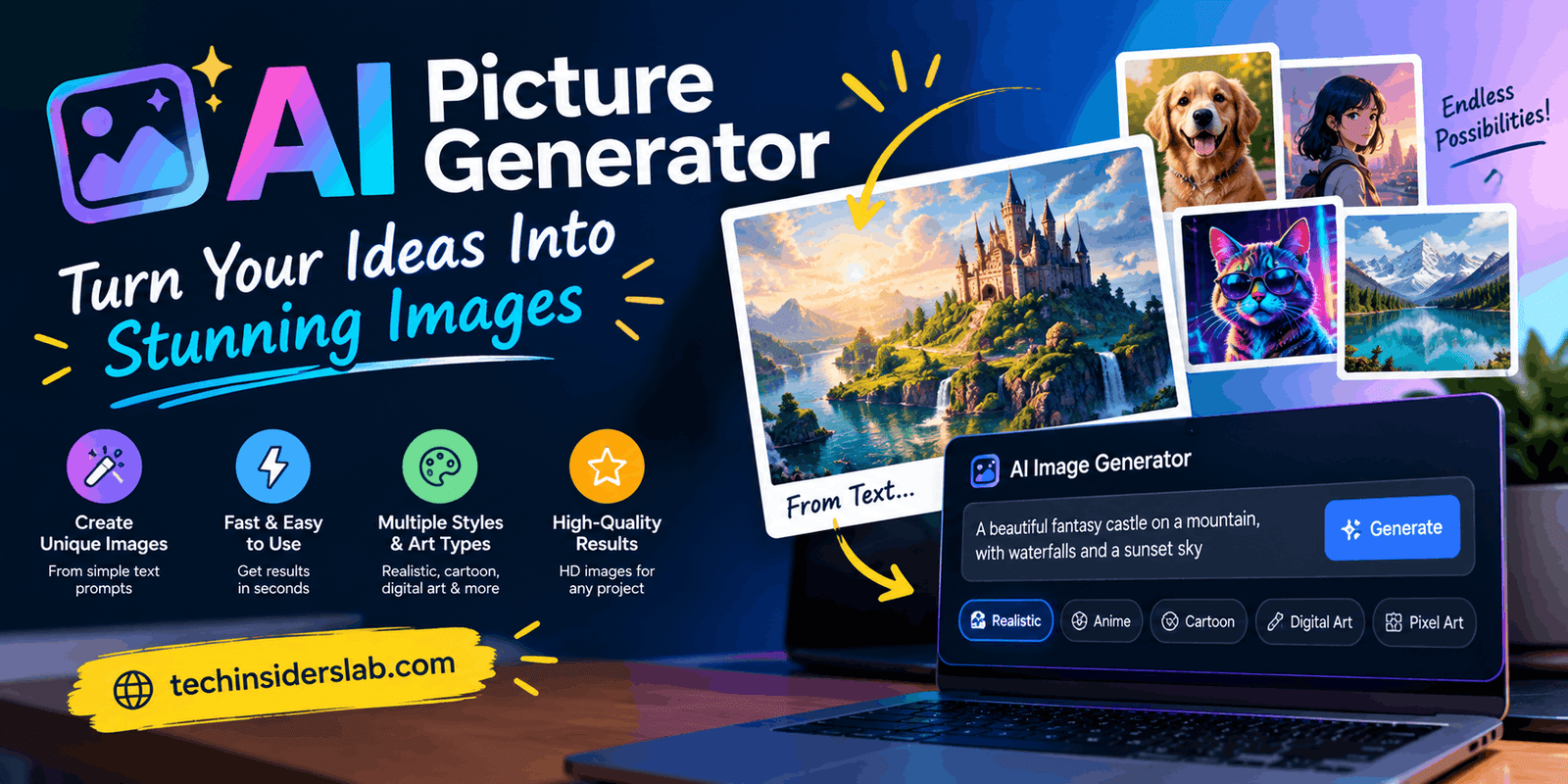
AI Picture Generator: Create Stunning Images With Artificial
introduction
AI Picture Generator tools have changed the way people create digital visuals. Instead of spending hours drawing, editing, or searching through stock-image libraries, users can now describe an idea in ordinary language and let artificial intelligence turn that description into an image. Modern AI image tools can create realistic photographs, illustrations, posters, product visuals, social media graphics, backgrounds, concept art, and many other types of content.
The technology has also become easier for beginners. You do not necessarily need professional design experience or advanced software skills. A clear prompt can be enough to produce a useful starting image, while additional instructions can be used to modify the result. Many modern platforms support both image generation and editing, allowing users to create something new or transform an existing visual.
What Is an AI Picture Generator?
An AI Picture Generator is a software tool that uses artificial intelligence to create images based on instructions provided by a user. These instructions are commonly called prompts.
For example, a user could type:
“A futuristic city at night with glowing buildings, flying vehicles, cinematic lighting, and a realistic style.”
The AI interprets the description and produces an image based on the requested concepts, composition, atmosphere, and style.
Some generators focus mainly on text-to-image creation, while others provide additional capabilities such as image-to-image transformation, object removal, background changes, image expansion, style modification, and creative editing.
This makes AI Picture Generators useful for much more than simple artwork. They can become part of a broader content-creation workflow for bloggers, marketers, designers, students, businesses, and social media creators.
How Does an AI Picture Generator Work?
Although the technology behind these systems is highly technical, the basic concept can be explained simply.
Modern AI image-generation systems learn relationships between visual patterns and concepts represented by text and other information. Many systems use diffusion-based methods or related generative technologies. During training, the model learns how different visual elements relate to words, objects, environments, styles, and compositions.
When a user enters a prompt, the system processes the instructions and begins constructing an image based on the learned relationships.
The process generally involves several stages.
1. Understanding the Prompt
First, the AI processes the words entered by the user. It identifies important elements such as the subject, environment, style, lighting, perspective, colors, and other requested details.
2. Connecting Words With Visual Concepts
The AI model has learned statistical relationships between language and visual concepts. This allows it to understand that terms such as “sunset,” “mountain,” “cyberpunk,” “watercolor,” or “professional photography” represent different visual characteristics.
3. Generating the Image
The model then creates visual information according to the prompt. In many systems, the image develops gradually from an initially unstructured representation into a more recognizable and detailed composition.
4. Producing the Final Result
Once the generation process is complete, the user receives the image. Depending on the tool, the user may then regenerate it, edit certain areas, change the prompt, or create alternative versions.
This entire process can happen relatively quickly, making AI image generation useful for rapid experimentation.
Text-to-Image Generation
Text-to-image generation is one of the most popular features of AI Picture Generators.
It allows users to describe an image without manually drawing every element. A prompt can include the subject, environment, mood, artistic direction, lighting, camera perspective, and other details.
For example:
“A modern laptop on a futuristic glass desk, blue ambient lighting, clean technology workspace, realistic product photography.”
The AI uses these instructions to create a visual interpretation.
A clear prompt is usually more useful than a vague request. Instead of writing “make a technology picture,” users can explain what they want to see, where the subject should appear, and what visual style they prefer.
Image-to-Image AI
AI Picture Generators are not limited to creating images from text.
Image-to-image technology allows users to provide an existing image and ask the AI to transform it. For example, a normal daytime photograph could be converted into a nighttime scene, or a rough sketch could be turned into a more polished visual.
This feature can be useful for designers and content creators because the original image can provide the basic composition while the AI handles the requested transformation.
Users can experiment with different styles, environments, backgrounds, and artistic directions while maintaining some of the structure of the original image.
Why Are AI Picture Generators Becoming Popular?
One of the biggest reasons for the popularity of AI Picture Generators is accessibility.
Traditional image creation may require knowledge of graphic-design software, illustration techniques, photography, or 3D tools. AI reduces this technical barrier by allowing users to communicate their ideas through natural language.
Another major advantage is speed. A creator can generate several concepts quickly instead of manually producing every version from scratch.
AI image generation also encourages experimentation. A designer might create multiple concepts before choosing a final direction. A blogger can test different article-thumbnail ideas. A business can explore advertising concepts before investing in professional photography or design.
Modern AI image systems are also becoming better at understanding detailed instructions and making targeted edits. This allows users to work with AI throughout more stages of the creative process.
Common Uses of AI Picture Generators
AI Picture Generators can be used in many different areas.
Blog Images
Website owners can create custom article thumbnails instead of relying entirely on generic stock photography. A relevant visual can make an article look more professional and distinctive.
For technology websites, AI can generate visuals related to artificial intelligence, smartphones, cloud computing, cybersecurity, software, apps, and other technology subjects.
Social Media Content
Social media creators need fresh visual content regularly. AI can help generate backgrounds, promotional graphics, illustrations, inspirational visuals, and creative concepts.
Users can also experiment with different aspect ratios and design styles for different social platforms.
Marketing
Businesses can use AI-generated visuals when developing promotional campaigns, advertisements, product presentations, social media content, and marketing concepts.
AI allows marketers to test several creative directions without producing every concept manually.
Education
Teachers and students can use AI-generated images to explain abstract concepts, create presentation visuals, develop educational scenarios, or make learning materials more engaging.
For example, a student studying history could create a visual representation of an ancient environment, while a science student could generate a conceptual illustration of a scientific process.
Product Concepts
Entrepreneurs can create early visual concepts for products before investing in professional photography or physical prototypes.
A simple description can be used to visualize packaging ideas, product shapes, environments, and advertising concepts.
Creative Projects
Artists and designers can use AI to explore characters, environments, compositions, and visual styles.
Instead of treating AI as the complete creative process, creators can use generated images as inspiration or as starting points for additional editing.
Website Design
Web designers can generate hero images, backgrounds, illustrations, decorative elements, and conceptual graphics that match a website’s theme.
This can be especially useful when a project requires a custom visual that is difficult to find in stock-image libraries.
How to Write Better AI Image Prompts
The quality of an AI-generated image is strongly connected to how clearly the desired result is communicated.
A useful prompt can include several important elements:
Subject + Environment + Style + Lighting + Composition
For example:
“A futuristic smartphone on a reflective black surface, modern technology studio, photorealistic style, dramatic soft lighting, close-up product composition.”
Instead of simply writing “make a technology image,” describe what should actually appear.
You can specify:
- Image style
- Camera angle
- Lighting
- Background
- Colors
- Mood
- Subject position
- Level of realism
- Important objects
- Image dimensions
- Composition
However, a longer prompt is not always better. Too many unnecessary instructions can make the request confusing. The goal should be clarity and relevance.
AI Picture Generators for SEO and Content Websites
AI-generated visuals can be especially useful for websites that publish articles frequently.
A technology website may need a new featured image for every article. Instead of using similar stock photographs repeatedly, an AI Picture Generator can create visuals specifically related to each topic.
For example, an article about cloud computing could use a modern cloud-data-center concept. An article about cybersecurity could use a digital security-themed illustration. An article about artificial intelligence could feature a futuristic AI interface.
Custom images can also help maintain consistent branding when the same visual guidelines are used across multiple graphics.
Website owners can include their preferred dimensions, typography style, visual theme, and branding requirements when preparing image-generation prompts.
Advantages of AI Picture Generators
Fast Creation
AI can produce visual concepts much faster than many traditional design workflows. This is useful when several ideas need to be explored within a short period.
Easy to Use
Most AI generators are designed around simple instructions. Beginners can start creating images without extensive graphic-design knowledge.
Creative Flexibility
One idea can be explored through realistic, artistic, cartoon, minimalist, futuristic, vintage, or other visual directions.
Multiple Variations
Users can generate different versions of an idea and compare the results. This makes the technology useful during brainstorming and concept development.
Editing Capabilities
Many modern platforms combine image generation with editing features. Users can modify existing visuals, replace elements, adjust backgrounds, or expand compositions.
Lower Entry Barrier
People who previously had limited design skills can now experiment with professional-looking visual concepts and learn through repeated practice.
Limitations to Consider
Despite their advantages, AI Picture Generators are not perfect.
Generated images can sometimes contain visual inconsistencies, particularly when a prompt requests complicated scenes with many objects. Small details such as hands, objects, signs, logos, or text may require additional refinement.
Text inside generated images can also sometimes appear incorrectly. Although modern systems have improved considerably, users should still inspect generated graphics carefully when accurate wording is important.
Another challenge is consistency. Creating one attractive image may be easy, but producing a large collection with exactly the same character, product appearance, or visual identity can require careful prompting and editing.
Users should also understand the terms and usage conditions of the specific AI service they choose. Commercial projects may require particular attention to licensing, ownership, privacy, and acceptable-use policies.
AI Images and Human Creativity
AI does not remove the need for human creativity. Instead, it changes how creative work can be performed.
A person still needs to decide what the image should communicate, which style fits the audience, whether the generated result is accurate, and how the final asset should be used.
The strongest workflow often combines human direction with AI generation. The user provides the concept, evaluates the result, identifies problems, and requests improvements.
This makes AI Picture Generators useful as creative assistants rather than automatic replacements for every traditional design process.
How to Choose an AI Picture Generator
There are many AI image-generation tools available, and each may offer different features. Users should compare several factors before choosing one.
Image Quality
Check whether the tool produces the level of detail and realism required for your project.
Prompt Understanding
A useful generator should be able to understand detailed instructions and produce an image that closely matches the requested concept.
Editing Features
If you regularly modify images, choose a tool that supports editing, transformations, background changes, or other useful adjustments.
Output Sizes
Different projects require different image dimensions. A website banner, social media graphic, blog thumbnail, and portrait image may all need different formats.
Generation Limits
Some services provide limited generations for free, while paid plans may offer additional usage or advanced features.
Commercial Usage
If you create images for a business, website, advertising campaign, or client, carefully review the service’s current terms regarding commercial use.
Ease of Use
Beginners may prefer a simple interface, while experienced creators may want additional controls and customization options.
The Future of AI Picture Generation
AI image generation continues to develop rapidly.
The future is not only about creating more attractive images. Greater control, better instruction following, improved editing, stronger text rendering, reference-image support, and integration with professional creative software are becoming increasingly important.
AI Picture Generators are also becoming part of larger digital workflows. Instead of being standalone image-creation tools, they can support marketing, content creation, education, e-commerce, software development, website design, and social media production.
As the technology improves, users may gain more precise control over individual objects, composition, style, and visual consistency.
This could make AI image generation useful for both simple everyday projects and more advanced professional workflows.
Conclusion
An AI Picture Generator provides a practical way to turn written ideas into digital images using artificial intelligence. From blog graphics and social media visuals to product concepts and creative artwork, these tools can make visual production faster, easier, and more accessible.
The best results usually come from combining clear prompts with human creativity. Instead of accepting the first generated image, users can experiment with different descriptions, styles, compositions, and editing instructions until the visual matches their purpose.
AI Picture Generators are becoming an important part of modern digital content creation. Bloggers, marketers, designers, students, businesses, and creators can all use these tools to explore ideas and produce customized visuals.
As AI technology continues to advance, learning how to write effective prompts and evaluate AI-generated images can become an increasingly valuable digital skill.